
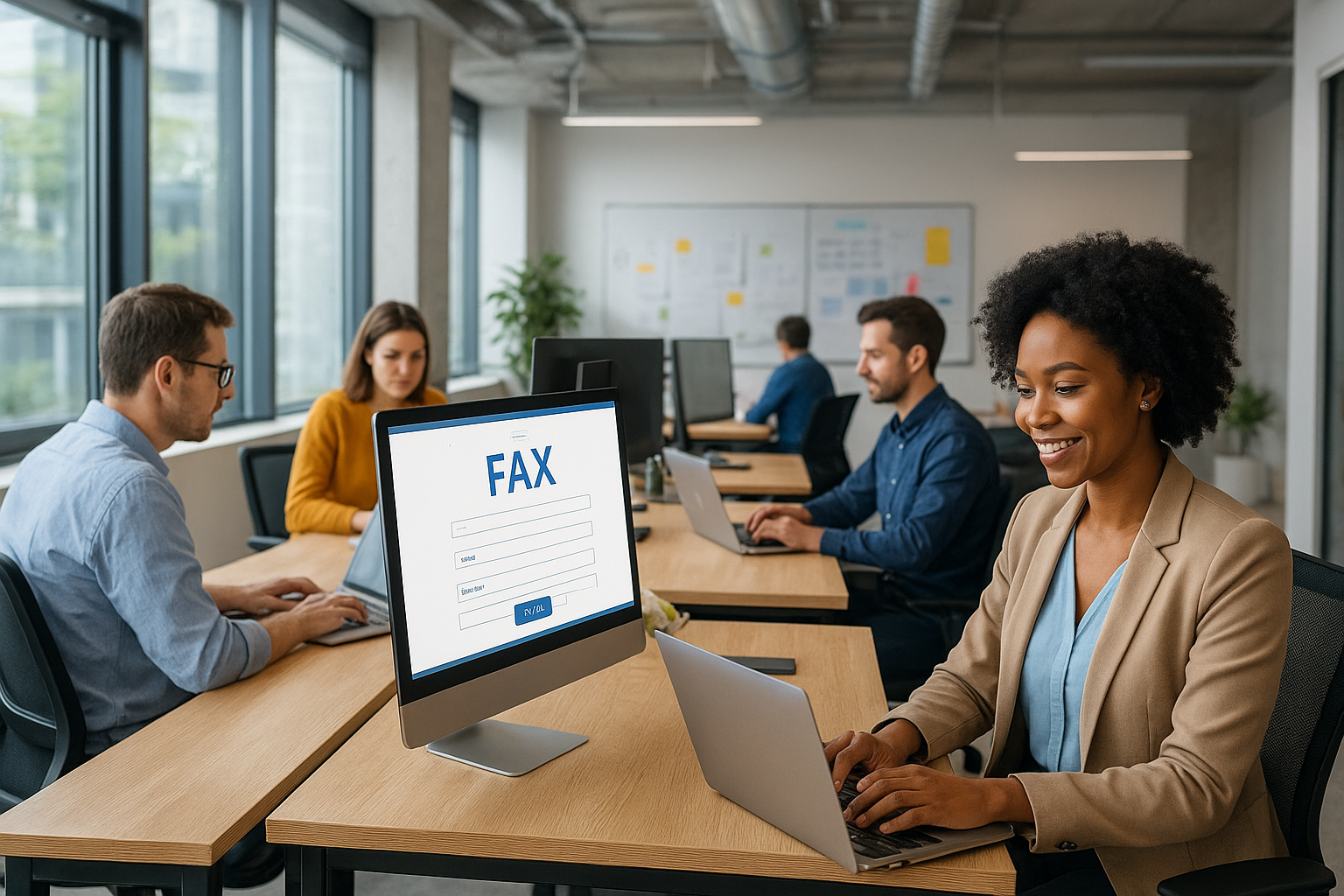

fax.nextiva offers a secure digital fax platform that streamlines day-to-day office communication. Easily send, receive, and manage faxes online without hardware or paper. Its intuitive dashboard provides all essential features, making faxing reliable and efficient for businesses of all sizes.
Important Information: fax.nextiva at a Glance
| Service | fax.nextiva |
|---|---|
| Category | Online Fax Platform |
| Access URL | fax.nextiva.com |
| Primary Use | Digital fax sending and receiving |
| Key Feature | Web-based dashboard, paperless faxing |
| Business Size | Small to Enterprise |
| Integration | Email, cloud storage, business software |
What is fax.nextiva?
fax.nextiva is a cloud-based fax service provided by Nextiva. It allows users to send, receive, and manage their faxes entirely online, eliminating the need for traditional fax machines. The platform can be accessed via any web browser and is designed for effortless office communication and document management.
This solution stands out for its modern interface and seamless dashboard that lets users organize faxed documents efficiently. Unlike on-premise fax solutions, fax.nextiva covers all fax operations digitally, supporting quick onboarding and universal access.
Key Benefits of Using fax.nextiva
- Easy Setup: No hardware, drivers, or complicated installs required.
- Paperless Workflow: Save time, cut printing costs, and go green with digital storage.
- Remote Access: Manage all fax operations from anywhere via internet.
- Enhanced Security: Faxes are encrypted and accessible only by authorized users.
- Centralized Dashboard: Track all fax activity and find documents fast with search tools.
- Integration-ready: Syncs with email, cloud drives, and other business tools.
- Reliable Delivery: Automatic retry ensures successful sending.
Many offices switching from traditional fax find that their workflows become faster and less error-prone with fax.nextiva. But what happens if your team needs to fax sensitive data, or regularly shares documents with different departments?
Getting Started with fax.nextiva
How to Set Up Your Account
To get started, visit the login page and sign in using your Nextiva account credentials. Setup takes only a few minutes, after which you can immediately begin sending and receiving faxes.
Users can assign fax numbers, designate access roles, and configure notifications for new documents. For larger teams, the admin panel allows you to add or remove users and set permissions based on organizational needs.
First Steps After Login
- Configure your digital fax cover page
- Set recipient contacts or upload distribution lists
- Set up email notifications for incoming faxes
If your office is new to online faxing, these steps help ensure a smooth transition from paper-based processes to a fully digital workflow. Next, we’ll look at the main features inside the dashboard.
Platform Features Explored
Unified Dashboard
The dashboard brings together fax logs, document previews, search, and activity tracking. You get side-by-side views of incoming, outgoing, and archived faxes for greater clarity. This layout looks similar to an email inbox, making navigation easy for most users.
Document Tools and Automation
Users can annotate, sign, or forward faxes without leaving the portal. Bulk send is also supported, letting you distribute documents to multiple recipients with one upload. Automated status alerts notify you in real-time if issues arise during delivery. But how does this affect integration and larger workflows?
Integration & Compatibility
Email Integration
Incoming faxes can be routed directly to your email inbox, so you never miss important documents. Outgoing faxes can be sent from within web-based email services by attaching files to a unique fax address.
Cloud Storage Sync
fax.nextiva syncs with providers such as Google Drive, Dropbox, and OneDrive. You can back up all sent and received faxes automatically—useful for archiving and disaster recovery.
Business Software Connections
Integrations with CRM, ERP, and help desk platforms enable a seamless, connected workflow. This removes data silos and ensures information is easily shared across business units. Wondering about how these digital faxes are protected?
Security & Compliance
fax.nextiva uses advanced encryption to keep your confidential documents secure, both in transit and at rest. Access controls ensure that only authorized personnel can view or manage sensitive faxes. The platform supports audit logs, so all activity is recorded for compliance reviews.
The service complies with HIPAA and other industry regulations, making it suitable for healthcare, legal, and financial organizations that require high data protection standards. Robust user authentication and data integrity mechanisms protect your business against unauthorized access.
Practical Use Cases
Healthcare Providers
Send and receive patient referrals, lab results, or insurance authorizations securely from any device.
Legal & Financial Firms
Easily share contracts or confidential documentation, while maintaining audit trails and encrypting sensitive materials.
Remote & Hybrid Teams
Enable distributed employees to handle fax communication without office visits or dedicated hardware.
- Reduce paper clutter and administrative time
- Ensure documents are centrally organized for review
- Minimize communication delays between departments
Every team has its own need for efficient communication. By addressing those needs, fax.nextiva becomes a flexible ally in daily operations.
FAQ: fax.nextiva
1. What is fax.nextiva used for?
It is used for secure digital faxing—sending and receiving documents online without fax machines, paper, or ink.
2. How do I log in to fax.nextiva?
Visit fax.nextiva.com and enter your Nextiva credentials to access your fax dashboard instantly.
3. Can I use fax.nextiva with my email?
Yes, you can send and receive digital faxes right from your email client through email integration.
4. Is fax.nextiva secure and compliant?
Absolutely. fax.nextiva uses encryption and access controls, meeting HIPAA and industry compliance standards.
5. Does fax.nextiva support team access?
Yes, you can add users, set permissions, and manage group access for departments or whole organizations.