
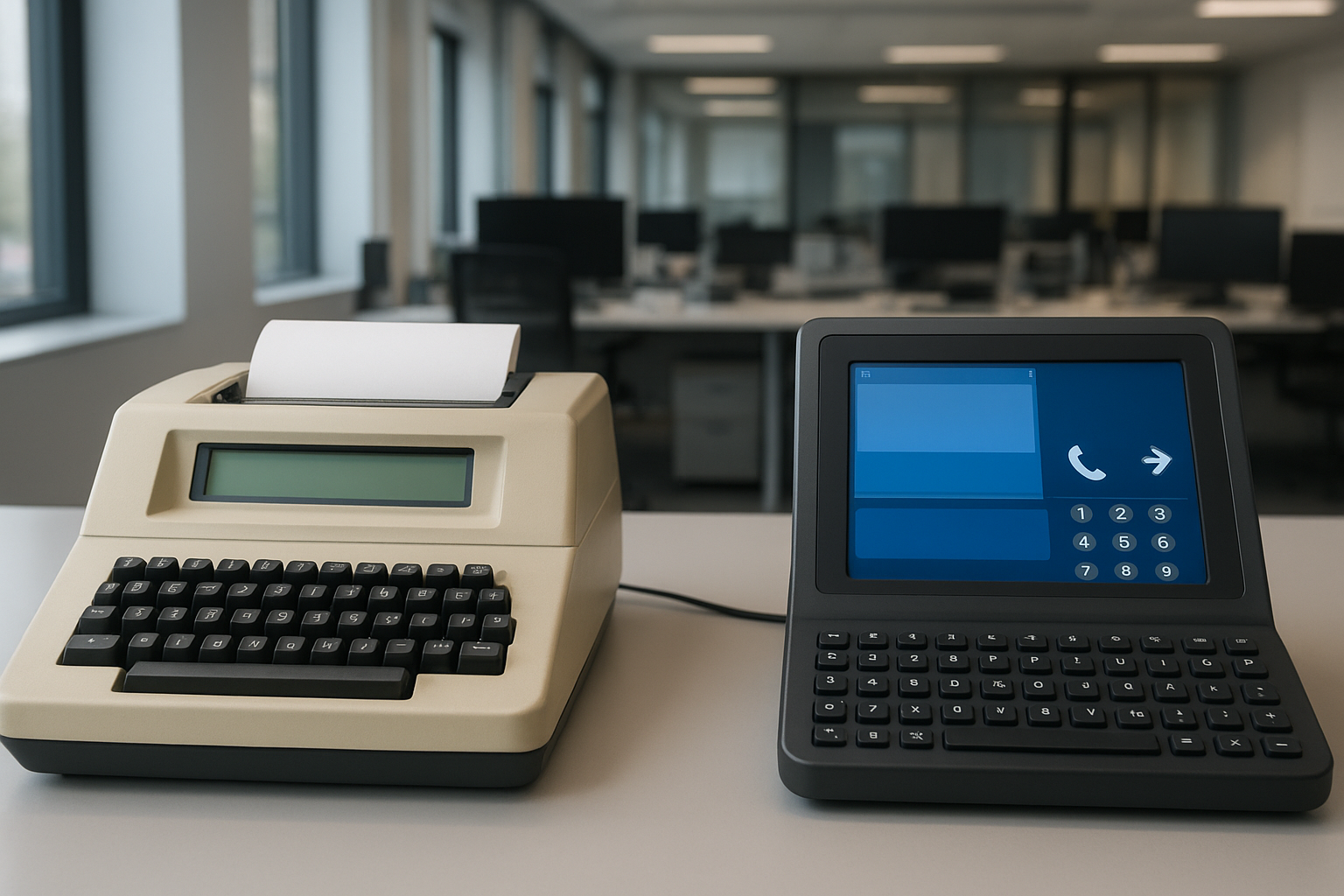

TDD (Telecommunications Device for the Deaf) and TTY (Teletypewriter) are vital communication tools for deaf and hard-of-hearing individuals. This guide explains their functions, distinctions, and best practices for testing and terminal development. By mastering both, you’ll ensure accessibility and reliable communication solutions.
| Term | Definition | Primary Use |
|---|---|---|
| TDD | Telecommunications Device for the Deaf | Text-based telephone communication |
| TTY | Teletypewriter | Early electronic text communication |
Introduction to TDD and TTY
TDD and TTY have long provided essential communication support for individuals with hearing or speech disabilities. Despite their similarities, the differences between these devices can affect accessibility and development approaches.
Understanding both technologies is crucial for building systems and software that enable clear, dependable interactions. But what specific roles do they play, and why do distinctions matter in terminal development and testing?
Definitions: What Are TDD and TTY?
TDD: Telecommunications Device for the Deaf
A TDD is an electronic device that enables individuals with hearing or speech impairments to communicate over the telephone using text. Messages are typed and sent via telephone lines, then displayed on another TDD device. Features often include a keyboard and display screen.
TTY: Teletypewriter
TTYs predate TDDs and were originally designed for telegraphy, allowing for typed messages to be sent over wires. In accessibility, « TTY » often refers to the device or the communication mode itself, and modern TTYs are essentially specialized terminal devices adapted for accessibility purposes.
Key Differences Between TDD and TTY
- Origins: TTYs were invented before TDDs and used for broad telecommunications. TDDs are specialized for deaf and hard-of-hearing users.
- Terminology: In US regulations, both terms are often used interchangeably—but “TTY” has become the more standard name.
- Functionality: While both send typed messages by phone line, TDDs may include built-in accessibility features and compatibility for relay services.
- Hardware: TTYs can be larger and less portable; most modern TDDs focus on compactness and user-friendly interfaces.
- Standards: TDDs align with accessibility standards and may incorporate digital features beyond the analog capabilities of traditional TTYs.
At a glance, the main difference that stands out is that TDDs are tailored for accessibility laws and modern communications, while TTYs were a broader, original technology now optimized for similar use.
Where Are TDD and TTY Used?
Both devices are still used in settings where voice communication isn’t possible—such as hospitals, emergency centers, and public telephones. Legal requirements in many countries preserve TDD/TTY access in government services and public buildings.
Although digital communications (SMS, email, instant messaging) have reduced reliance on TDD/TTY, they remain vital for direct text telephone access—especially where internet access is limited or unavailable.
- Emergency services with dedicated TTY/TDD lines
- Accessible terminals in public spaces
- Relay services between standard phone and TTY/TDD users
- Home and personal use for secure, private conversations
Testing Strategies for TDD and TTY
Development and testing for TTY and TDD compatibility ensure that software solutions are accessible and compliant. Software and hardware terminals must support correct signal encoding, message relay, and user interface clarity.
Key Testing Steps:
- Simulate both TDD and TTY messaging flows using real hardware or signal emulators
- Verify that your application can send, receive, and format Baudot (TTY) and ASCII (TDD) signals correctly
- Check device intercompatibility across diverse hardware platforms
- Test real-world scenarios: emergency calls, relay, accessibility prompts
- Confirm compliance with accessibility standards (such as FCC or ADA in the US)
A quick glance at error logs and device displays may reveal subtle data loss or interface issues—a thorough combination of manual and automated tests ensures full reliability.
Tips for Accessible Terminal Development
Designing or upgrading systems with TDD and TTY support should prioritize both functionality and user experience. Accessible terminal software blends compliance and practical usability.
- Provide a clear, easy-to-navigate interface with concise prompts
- Support standard baud rates and fallback to manual settings
- Implement visual and audible indicators for message throughput
- Allow customizations for display brightness, text size, and keyboard layouts
- Document compatibility with specific TDD/TTY hardware for users
Developers should also keep up with evolving accessibility guidelines, as regulatory changes might require new features or security improvements. By embracing these tips, you will enjoy smoother automation and enhanced real-world usability.
FAQ: TDD, TTY, and Terminal Testing
A: While they operate similarly, “TTY” is more generic and may refer to any teletypewriter device. “TDD” typically designates devices used by deaf or hard-of-hearing individuals.
A: Use physical devices or emulators to verify signaling, message exchange, and interface clarity in various scenarios—especially for emergency and compliance cases.
A: In the US, the Americans with Disabilities Act (ADA) and FCC accessibility mandates require many telecommunications products and services to support TTY/TDD access.
A: Yes, many current devices offer text telephone functions and relay applications for accessibility, but physical TTY/TDD lines remain important in areas with limited digital access.
A: These tools ensure real-time, private text communication for the deaf community and serve critical functions in situations where digital internet solutions aren’t available.