
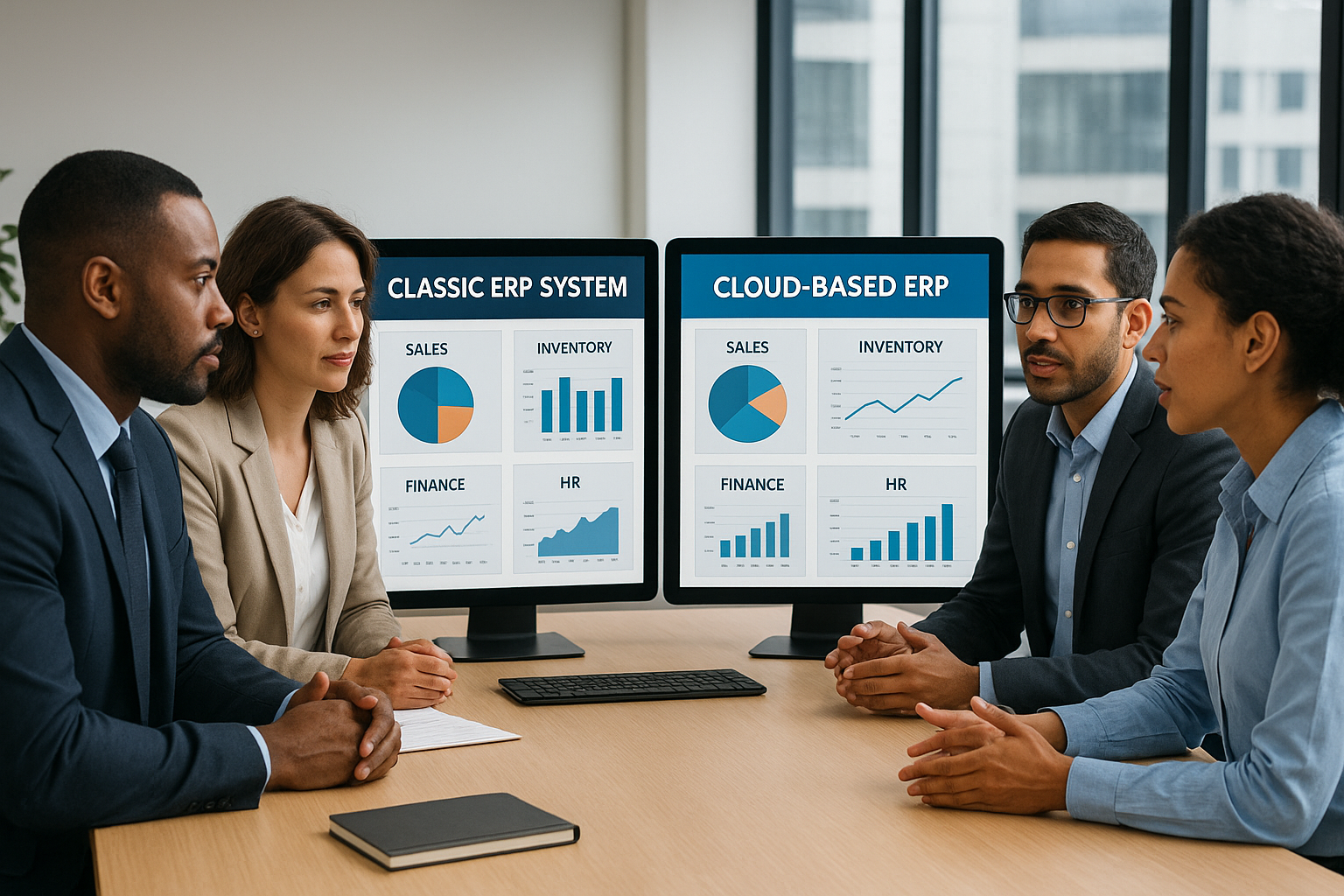

ERP vs Cloud ERP is a top comparison for businesses considering software modernization. Traditional ERP delivers extensive control but demands higher maintenance, while Cloud ERP offers flexibility, scalability, and lower upfront costs. Your choice will shape how your business operates and grows, making it essential to understand the trade-offs.
Definitions: ERP and Cloud ERP
| Aspect | On-Premises ERP | Cloud ERP |
|---|---|---|
| Deployment | Installed on company servers | Accessed via web, hosted in cloud |
| Maintenance | Managed internally | Managed by provider |
| Customization | Extensive, can require time & resources | Often limited, but improving rapidly |
| Accessibility | Usually office-based | Anywhere with internet |
| Scalability | Resource dependent | Elastic, easily adjusts |
ERP (Enterprise Resource Planning) software centralizes business management, handling finance, HR, inventory, and more. Classic ERPs run on local company servers, giving control but requiring higher IT investment and manual upgrades.
Cloud ERP delivers these functions over the internet. Businesses access the platform through a web browser, reducing local IT burdens and opening up remote access. Providers manage security, backups, and upgrades behind the scenes.
Key Differences at a Glance
- Deployment: On-premises ERP sits on your own servers; Cloud ERP is hosted remotely.
- Upgrades: Traditional ERP relies on manual updates. Cloud ERP updates automatically and continuously.
- IT Burden: Classic ERP needs internal support teams. Cloud ERP shifts the burden to the vendor.
- Access: With Cloud ERP, teams connect anywhere. On-premises ERP is often restricted to the office.
- Cost Structure: ERP usually requires a large upfront investment; Cloud ERP uses subscription models.
- Customization: On-premises ERP offers deep adaptations. Cloud ERP customizations are growing, but more standardized.
- Recovery/Backup: Cloud ERP often includes managed disaster recovery; in on-premises ERP, it’s your responsibility.
Benefits and Drawbacks
Benefits of On-Premises ERP
- Total control over data, security, and upgrades
- Full customization to unique requirements
- Integration flexibility for legacy or specialty systems
Drawbacks of On-Premises ERP
- High initial setup costs and hardware investment
- Significant maintenance and support overhead
- Updates and security rely on in-house teams
Benefits of Cloud ERP
- Lower upfront cost—pay as you go
- Faster implementation timeframes
- Automatic updates and patches
- Access on multiple devices and from anywhere
- Easy scaling as your business grows
Drawbacks of Cloud ERP
- Potential data residency or compliance concerns
- Usually less freedom for deep custom solutions
- Ongoing subscriptions can add up over years
- Relying on vendor uptime and internet connectivity
Cost Considerations
Cost is one of the main differences between ERP and Cloud ERP. With on-premises ERP, expect large upfront payments for software licenses, hardware, and implementation. Upgrades, support staff, and server maintenance all add ongoing expenses. In contrast, Cloud ERP moves costs to a predictable monthly or annual subscription, often bundling updates, hosting, and support into the fee. While Cloud ERP reduces capital expenditures, long-term subscriptions can rival or surpass the total cost of ownership over 5–10 years.
| Cost Area | On-Premises ERP | Cloud ERP |
|---|---|---|
| Initial Investment | High | Low |
| Ongoing Costs | IT staff, maintenance | Subscription fee |
| Upgrades | Often extra cost | Included |
| Hardware | Customer responsibility | Provider handles |
Ultimately, the right choice depends on forecasted growth, IT capacity, and need for custom features.
How to Choose: Decision Criteria for Businesses
Many organizations struggle to decide between traditional ERP and Cloud ERP, especially when both offer robust core features. Introducing new requirements, such as global expansion or hybrid work, may expose limitations in legacy solutions just as you’re debating potential savings. The answer isn’t always straightforward.
- If control, regulatory compliance, or custom integrations are vital, on-premises ERP may be preferable.
- If agility, speed, and lower IT complexity are priorities, Cloud ERP usually leads.
- Startups and smaller firms often find Cloud ERP lowers barriers to adoption.
- Larger enterprises or heavily regulated sectors may still lean toward on-premises for full authority over systems and data.
Sometimes, the best answer is hybrid ERP—mixing both types to match different business needs. However, thorough due diligence and piloting are always recommended before any shift.
Real-World Use Cases
On-Premises ERP: When Control Is Critical
Manufacturers with highly unique processes or strict governmental controls often stick with on-premises ERP. Their IT teams can build deeply tailored workflows, adapt security, and schedule upgrades to fit operational cycles.
Cloud ERP: Scaling with Speed
Fast-growing e-commerce companies, distributed sales organizations, and startups commonly choose Cloud ERP. The ability to launch quickly, grant access from anywhere, and add or reduce user seats proves essential as needs evolve.
Nonprofits and education providers, too, increasingly adopt Cloud ERP for its lower technical barrier and automatic compliance perks.
FAQ: ERP vs Cloud ERP
- What is the main difference between ERP and Cloud ERP?
- The core difference lies in deployment: Classic ERP is hosted on your company’s own servers, while Cloud ERP is delivered via the internet by a third-party provider.
- Is Cloud ERP always cheaper?
- Not always. Cloud ERP lowers initial costs, but subscriptions over years may eventually match or exceed on-premises ERPs, especially for large organizations.
- Can I customize Cloud ERP solutions?
- Customization is possible, though usually not as deep as with on-premises ERP. Leading Cloud ERPs continue to enhance their configuration options.
- Which is better for compliance-heavy industries?
- On-premises ERP can provide greater control for strict compliance. However, many Cloud ERPs now offer robust compliance and data residency settings.
- Is hybrid ERP an option?
- Yes! Many businesses mix on-premises and Cloud ERP, optimizing for control where needed and agility elsewhere.