

North Bridge: Important Information
| Component | Motherboard Chipset |
| Main Role | Connects CPU to RAM, GPU, and high-speed interfaces |
| Located | On motherboard, usually near the CPU socket |
| Works With | Southbridge chipset (for lower-speed peripherals) |
| Relevance Today | Modern CPUs often integrate northbridge functions directly |
What Is the North Bridge?
The north bridge is part of a computer’s chipset, historically found on the motherboard. It served as the main controller for fast data paths between the central processing unit (CPU), memory (RAM), and graphics hardware. This position made it critical for system speed and reliability.
Think of the north bridge as the heart of your computer’s communication network. It rapidly managed traffic coming from and going to high-speed components, ensuring these critical connections delivered peak performance. Unlike its partner (the southbridge), the north bridge handled only the highest-speed data jobs.
North Bridge vs Southbridge: Core Differences
At a glance, the main difference between the north bridge and southbridge lies in their responsibilities. The north bridge works directly with core components like the CPU and RAM, while the southbridge manages slower peripherals such as USB ports, storage devices, and input/output (I/O) controllers.
- North Bridge: Handles communication between CPU, RAM, AGP/PCIe (graphics), and high-speed data buses.
- Southbridge: Manages connections to hard drives, USB, network and audio, legacy ports, and expansion cards.
Over time, you may notice that modern chipsets blur these distinctions, but understanding this split helps frame how computing used to work—and sometimes still does.
Key Functions of the North Bridge
The north bridge provided the fast lane for information inside early computers. Its roles included:
- CPU–RAM Bridge: Rapidly connects processor and system memory, allowing high-speed data transfer for running programs.
- CPU–GPU Path: Links the CPU with the graphics card (via AGP or PCI Express), letting graphics applications run smoothly.
- High-Speed Bus Control: Coordinates system buses, making sure all connected devices can communicate efficiently.
- Performance Management: Regulates timings and prioritization for critical traffic, influencing overall responsiveness.
If the north bridge faltered, you’d see freezing, lags, or even failure to boot—showing how central it was to a working system.
Why the North Bridge Matters
Without a north bridge, computers would struggle to move data between their most vital internal parts, severely bottlenecking performance. Anyone upgrading or building computers needed at least a basic grasp of what this chipset did and how to spot potential compatibility problems.
The north bridge’s design choices also decided which CPUs and memory types you could use. Users looking to boost speed or install a new graphics card had to check if their motherboard’s north bridge could keep up with newer standards and bandwidth demands.
Evolution and Modern Equivalents
How Did the North Bridge Change?
Over the last decade, major CPU makers like Intel and AMD have integrated most north bridge functions into the processor itself. This redesign means the classic two-chip layout (northbridge and southbridge) is now mostly history. Today’s single-chip chipsets and system-on-chip (SoC) designs make things simpler, faster, and more efficient.
What Replaces the North Bridge Today?
Tasks handled by the north bridge—such as memory and graphics connectivity—are now managed directly by the CPU die. Modern chipsets, often called « Platform Controller Hubs » (PCH), handle lower-speed interfaces. This shift improves performance by reducing the distance (and latency) between the processor, memory, and graphics.
Legacy systems still use the traditional north bridge, so understanding it helps with repairs, upgrades, or learning computer history.
How to Identify the North Bridge on Your Motherboard
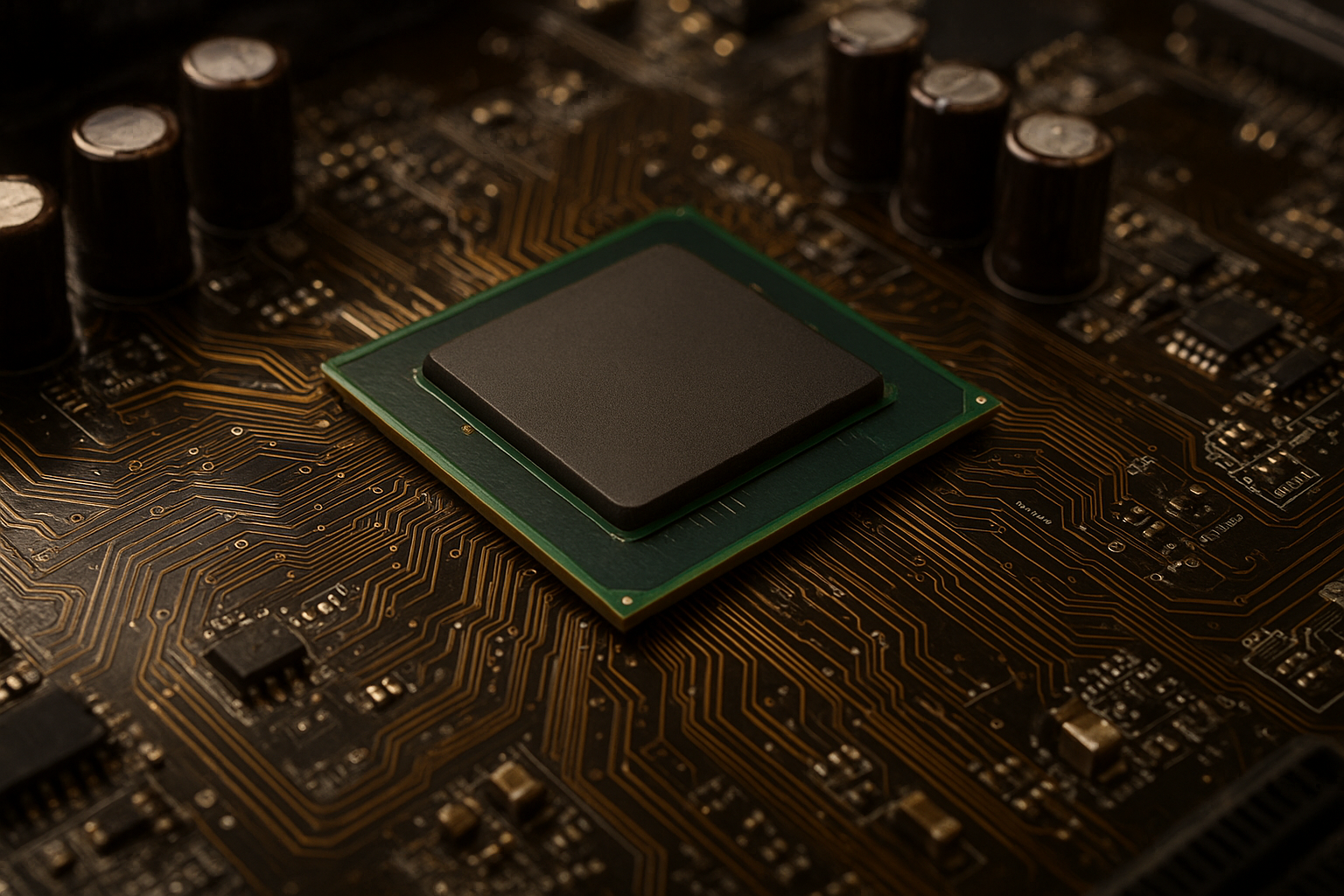
On older motherboards, you can spot the north bridge as a prominent square or rectangular chip, usually positioned close to the CPU socket. It’s often covered by a heatsink (sometimes with a fan) due to the significant heat it generates while managing high-speed data flows.
To find it, look at your motherboard diagram or search for chip labels historically named « MCH » (Memory Controller Hub) or simply “NB.” Newer boards may not have a discrete north bridge chip, as this function is now inside the CPU package itself.
Common Issues and Troubleshooting
Problems with the north bridge can lead to system instability, random crashes, or total failure to boot. Overheating is a frequent culprit, so ensuring good airflow and a clean heatsink is crucial, especially on older machines.
Other issues include failed memory or graphics detection, often solvable by reseating components, inspecting for motherboard damage, or updating BIOS firmware. Persistent north bridge failure usually means replacing the entire motherboard for a reliable fix.
- Signs of north bridge failure: Freezing at startup, graphic glitches, or motherboard beeping codes related to RAM/CPU.
North Bridge in the Future
While the north bridge as a separate chip is mostly a relic, its legacy remains vital. The rapid data handling originally managed by the north bridge shapes modern system designs, as faster integrated CPUs and more advanced buses inherit its role.
Future computing will continue this trend, aiming for reduced latency and better power efficiency by integrating as many high-speed functions as possible onto the processor die.
FAQ
The north bridge connects the CPU with memory and graphics, handling all high-speed communication so your computer runs quickly and reliably.
No—modern CPUs include the north bridge’s functions directly inside the processor, simplifying motherboard design and boosting efficiency.
The north bridge controls fast data paths (CPU, memory, graphics) while the southbridge manages slower input/output devices and storage.
Your system may crash, freeze, or fail to start, as the north bridge is essential for key hardware communication.
Older motherboards have a visible chip near the CPU, often under a heatsink; new boards may not show a separate chip because it’s built into the CPU.