
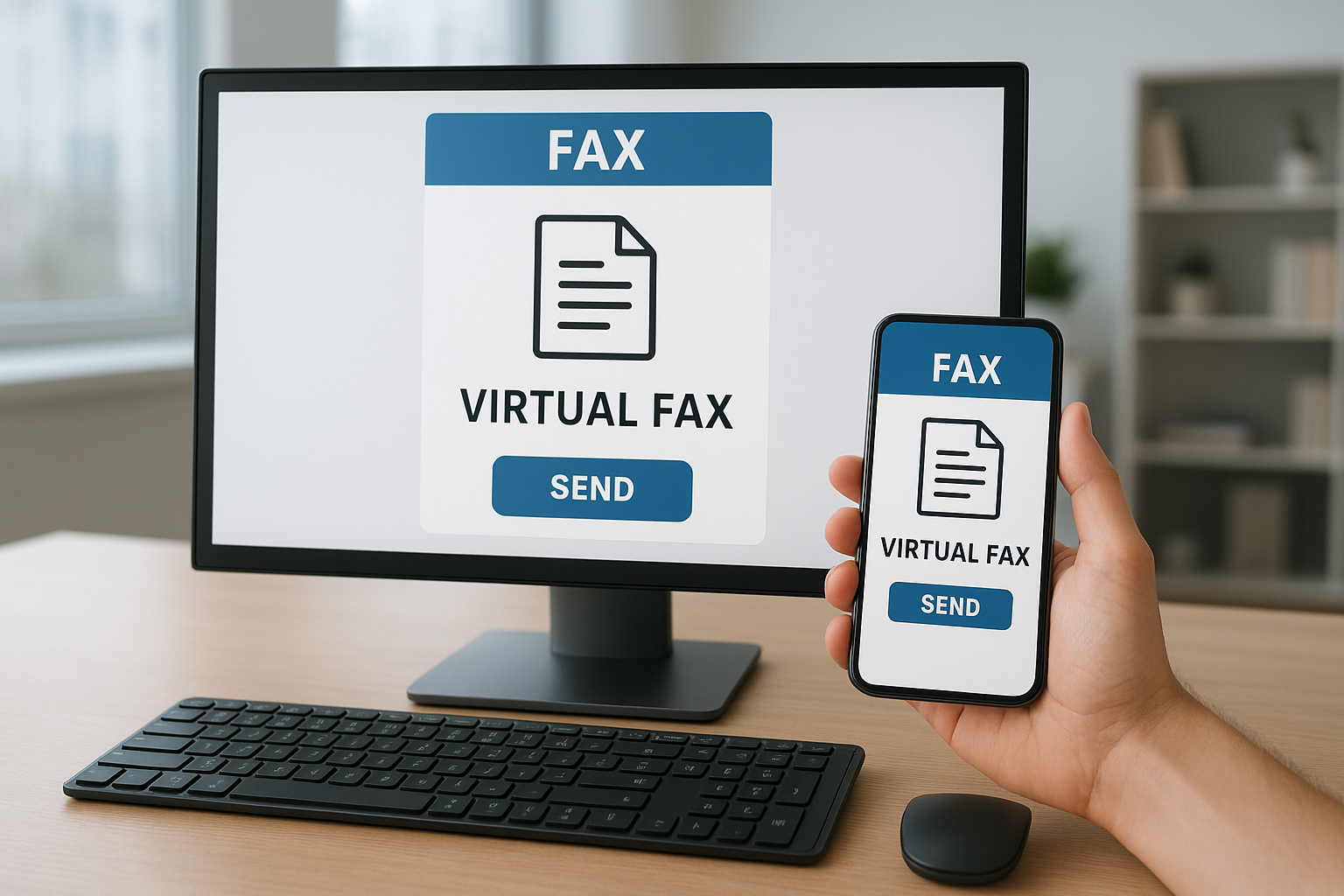

Online faxes empower you to send and receive secure documents over the internet, eliminating paper and fax machines. Modern online fax services offer user-friendly dashboards, real-time delivery tracking, flexible plans, and strong compliance for business and personal use. This guide explains all you need to compare top providers and choose the best option for your workflow.
Important Information: Online Faxes at a Glance
| Aspect | Details |
|---|---|
| Best Use Cases | Business, legal, healthcare, remote work, personal |
| Delivery Methods | Email, web platforms, mobile apps |
| Average Pricing | $5–$20/month (varies by volume and features) |
| Compliance | HIPAA, GDPR available in leading services |
| Popular Providers | eFax, HelloFax, MyFax, Fax.Plus, CocoFax, MetroFax, SRFax |
What Are Online Faxes?
Online faxes are digital solutions that replicate the traditional faxing process—without paper, toner, or fax machines. These services use cloud technology to transfer documents securely over the internet, sending to either another online account or a classic fax number.
At a quick glance, online faxing platforms look very similar to modern email clients. You upload your file, enter the recipient’s details, and send with a click. The main difference is that these platforms automatically convert your document into the proper format for delivery, bridging digital and traditional fax worlds with zero hassle on your end.
Key Benefits of Using Online Faxes
- No hardware: Send/receive faxes without physical fax machines or dedicated phone lines.
- Anywhere access: Use from desktops, laptops, tablets, or smartphones—ideal for remote teams.
- Cost savings: Eliminate paper, toner, repair, and phone line expenses.
- Security features: Encryption, audit trails, and compliance features protect sensitive data.
- Search & archive: Easily organize faxes in searchable, digital folders.
These advantages quickly show why so many businesses make the switch. But some users worry: is online faxing as reliable as traditional fax? Let’s explore how it works under the hood.
How Do Online Faxes Work?
Online faxing combines three core ingredients: secure cloud servers, intuitive software interfaces, and digital-to-analog conversion when required. Here’s how a typical process unfolds:
- You upload a document (PDF, DOC, image, etc.) via a web portal, app, or email attachment.
- The online fax provider encrypts your file and prepares it for transmission.
- If your recipient uses a classic fax machine, the service routes your file through a gateway that transmits over phone lines.
- The recipient gets either a printed paper (traditional) or a digital copy in their online fax inbox.
This hybrid approach ensures compatibility across both digital and old-school recipients. A quick look reveals that setup takes only minutes—no tech wizardry needed!
Top Online Fax Services for 2026
A wide range of online fax services exist, each with its own set of features, user interface, and price points. Here’s a selection of leading providers that consistently receive top user ratings and cover the widest range of use cases:
- eFax: High-reliability, broad global coverage, feature-rich plans
- HelloFax: Clean interface, great integration with cloud storage, flexible for small teams
- Fax.Plus: Fantastic mobile apps, business-grade security, scalable
- CocoFax: Simple setup, affordable baseline pricing, HIPAA-ready
- MyFax: Good value, very user-friendly, popular for small business
- MetroFax: Robust archiving, reliable bulk faxing, suitable for regular users
- SRFax: Top privacy and compliance, ideal for healthcare and legal
Many of these platforms offer free trials, so you can test workflow fit before making a commitment.
Features and Pricing Comparison
| Provider | Key Features | Monthly Price (starts at) | Free Trial |
|---|---|---|---|
| eFax | Large file sharing, mobile app, electronic signatures | $16.95 | Yes |
| HelloFax | Integrates with Google Drive, Dropbox, easy team setup | $9.99 | Yes |
| Fax.Plus | Encrypted faxes, business reporting, multi-platform | $5.99 | Yes |
| CocoFax | HIPAA compliant, scheduled sending, affordable plans | $7.99 | Yes |
| MyFax | Intuitive dashboard, cloud storage compatibility | $10.00 | Yes |
| MetroFax | Bulk sending, audit logs, advanced document management | $8.95 | Yes |
| SRFax | Strict privacy, healthcare/legal focus, unlimited storage | $7.95 | Yes |
While most providers seem similar at first glance, the main differences emerge in advanced features, compliance, and integrations. Knowing your priorities will help you decide quickly.
Choosing the Right Online Fax Service
Selecting the ideal platform depends on volume, compliance, user-friendliness, and budget. Here’s a checklist to guide your decision:
- Estimate your fax volume per month
- Check device/app compatibility (mobile, web, desktop)
- Review compliance needs (HIPAA, GDPR)
- Compare integrations (cloud storage, e-signature, CRM)
- Trial period availability and customer support quality
Suppose two services check all your boxes—how do you decide? Look for unique extras such as real-time notifications, advanced team controls, or deeper search/archive functions.
Security & Compliance in Online Faxing
Data security and legal compliance matter more than ever. A single breach can cost reputation and regulatory fines, especially in healthcare or legal fields. Top online fax services address this risk with:
- End-to-end encryption for all faxed documents and metadata
- Role-based access controls for sensitive files
- Activity logs and audit trails for compliance reviews
- Support for regulations like HIPAA and GDPR
Choosing a compliant provider will save you time during audits and keep confidential data safe. Not all providers offer the same level of protection, so match your compliance checklist with feature lists closely.
How to Set Up and Send Your First Online Fax
- Sign up for a trial or paid account with your chosen platform.
- Verify your email and select a fax number (many offer local or toll-free choices).
- Upload your document (PDF, DOCX, image, etc.).
- Enter the recipient’s fax number or email.
- Click send. Track delivery status from your dashboard.
Setup usually takes less than 10 minutes. Most providers also let you receive inbound faxes as PDFs directly in your email or web portal, so you never miss a message.
Common Problems and Troubleshooting
Despite its ease, online faxing sometimes brings new issues. Delivery failures often stem from wrong numbers, file type incompatibilities, or full recipient memory. If a fax doesn’t arrive:
- Double-check the recipient’s information and format
- Try resending in PDF format for best compatibility
- Look for provider downtime notifications
- Contact provider support—most reply swiftly
If you’re transitioning from paper faxing, remember: the learning curve is brief. Soon, you’ll enjoy the streamlined experience that modern providers offer.
Online Faxes – Frequently Asked Questions
- Are online faxes legally valid?
- Yes, digital and scanned signatures via online fax are legally accepted in most countries, provided the provider meets compliance criteria.
- Can I send a fax to a traditional fax machine?
- Absolutely. Online fax services convert and route documents to both digital inboxes and traditional fax machines worldwide.
- Is my data secure?
- Reputable providers offer encryption, secure storage, and compliance with regulations like HIPAA and GDPR. Always check each provider’s security policy.
- What happens if I go over my page limit?
- Most platforms charge a small fee for extra pages, but notify you in advance for transparency.
- Can I try before I buy?
- Nearly all leading providers offer free trials, so you can test features risk-free before committing.