
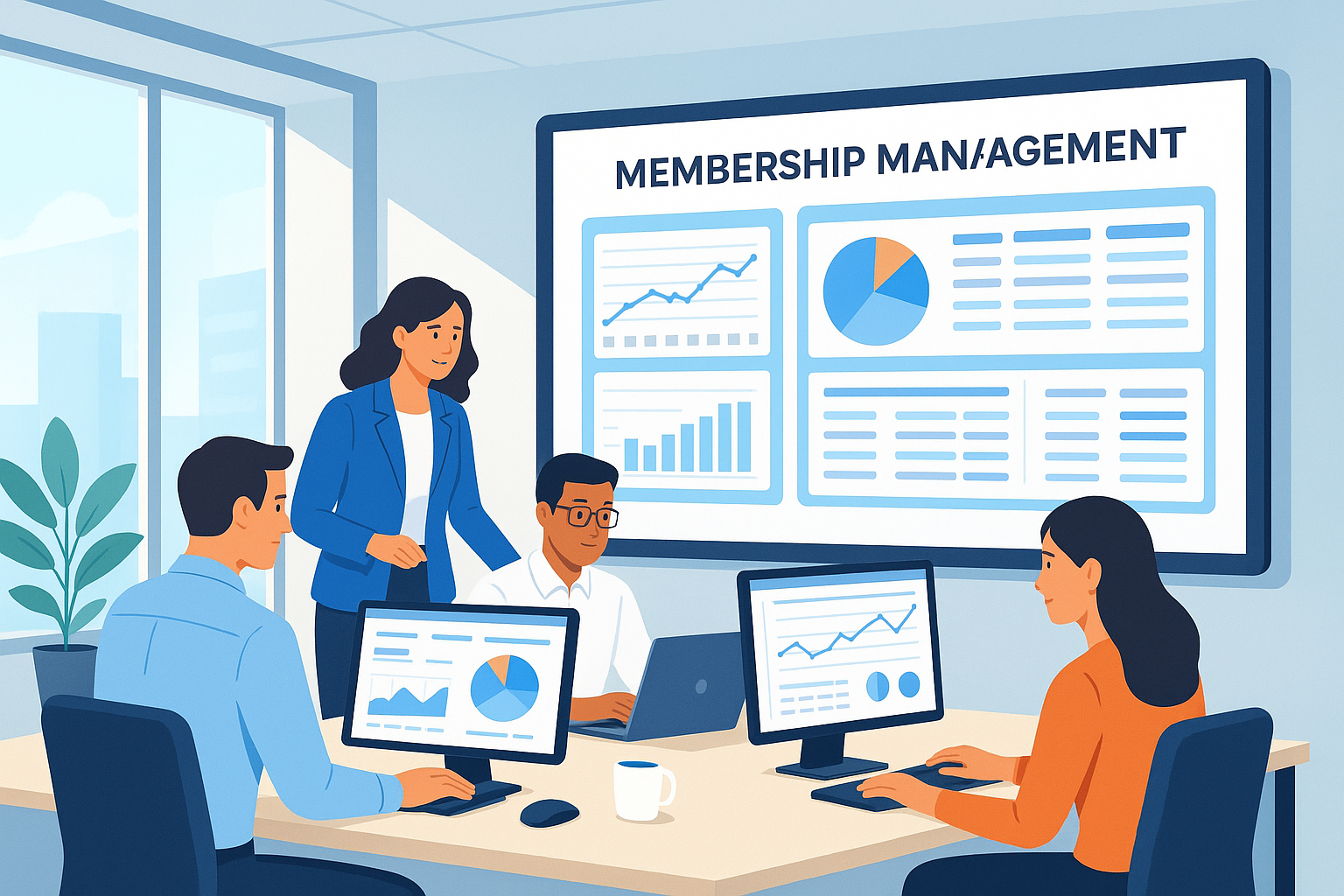

ChamberMaster is a leading chamber management software trusted by membership organizations for its easy-to-use dashboard, outstanding automation, and integrated member tools. It centralizes administrative work, event management, billing, and communications, helping teams manage operations swiftly and boost engagement.
What Is ChamberMaster?
ChamberMaster is specialized chamber management software designed for membership-based organizations such as chambers of commerce. It brings together a suite of tools to simplify member administration, event organization, billing, directory publishing, and communication.
Developed by GrowthZone, ChamberMaster is used by thousands of chambers globally, ranging from small towns to large metropolitan regions. It addresses core administrative pain points, helping organizations engage with members, manage events, process payments, track analytics, and automate repetitive tasks from a single cloud dashboard.
The software stands out for its blend of customizable features, industry-focused integrations, and customer support. Whether you are a membership director or the executive, having all your functions centralized in one intuitive interface means fewer headaches and a more effective chamber operation.
ChamberMaster: Important Information
| Category | Chamber Management Software |
|---|---|
| Key Use Cases | Member management, billing, events, communications, website integration |
| Best For | Chambers of Commerce, Trade Associations |
| Deployment | Cloud (SaaS) |
| Integrations | QuickBooks, Constant Contact, website CMS, payment gateways |
| Support | Online Knowledge Base, Phone, Email |
Core Features of ChamberMaster
The foundation of ChamberMaster’s appeal is its robust set of features that address a chamber’s unique needs. A quick glance shows an interface tailored for non-technical users and packed with automation. Let’s break it down:
Key Features List
- Member Database: Keep all member information, activity, and status in one place.
- Automated Billing & Dues: Ease financial operations with recurring invoices and online payments.
- Event Management: Streamline registration, promotion, and attendee tracking for any event size.
- Integrated Website Tools: Publish a public directory, member news, and community events right to your site.
- Email Communication & Newsletters: Target segmented lists and measure engagement with built-in analytics.
- Reporting & Analytics: Gain actionable insights with pre-built and custom reports.
- Mobile Access: Stay connected and manage on-the-go with responsive mobile features.
- Member Self-Service Portal: Let members update data, pay dues, and register online.
What stands out is how these tools are available in an integrated, user-friendly way. Even organizations with limited IT expertise can set up automated processes and clean data flows.
Another important aspect is integration: ChamberMaster works seamlessly with QuickBooks for accounting and Constant Contact for email marketing, offering a much smoother workflow than manual double-entry or disconnected systems. The main difference from generic CRMs is this tight focus on chamber scenarios—directory listings, sponsorships, committee management, and event ticketing are all built-in.
Business Benefits for Chambers
ChamberMaster focuses on delivering key benefits to make this easier:
- Reduces manual work so your team can focus more on outreach, less on paperwork.
- Members get a clean interface for paying dues or registering for events, boosting satisfaction and engagement.
- Automated billing and reminders mean fewer missed payments and streamlined cash flow.
- Staff and volunteers gain instant access to up-to-date member records and event info—from any device.
- Advanced analytics show you membership trends, renewal rates, event ROI, and more.
The power of having all these functions under one roof means fewer information silos, reduced risk of errors, and more time for mission-focused work. For many organizations, the processing engine is quite powerful—handling hundreds or even thousands of memberships without slowing down.
ChamberMaster looks very similar to top association management tools, but with a stronger chamber-specific orientation. This focus produces what we consider the most realistic workflow experience for chambers of all sizes.
How ChamberMaster Compares to Alternatives
There are several membership management solutions out there—such as Wild Apricot, MemberClicks, or GrowthZone’s own main platform. Yet a quick glance at ChamberMaster interface shows its optimization for chambers:
- Differentiated by dedicated event and sponsorship modules built for chamber requirements.
- Provides a wider range of member self-service and reporting options compared to generic platforms.
- Rapid onboarding, as most chambers can work with existing templates rather than build from scratch.
- Distinctly styled public directories to boost local businesses and networking opportunities.
Some competitors might offer similar layouts or integrations, but ChamberMaster’s longstanding community presence means ongoing updates and a large resource network. It’s worth considering the product roadmap, service levels, and what kinds of organizations each tool serves best. For chambers seeking deep support and a platform tailored to their real-world workflow, ChamberMaster stands out.
A possible drawback is if your organization grows into complex, multi-chapter operations—a broader association management suite might eventually offer more flexibility. However, for classic chamber setups and local business communities, ChamberMaster remains a top performer.
Setup, Pricing, and Support
ChamberMaster is offered as a cloud-based subscription, making it accessible from anywhere and scalable to your chamber’s size. Pricing is customized based on the number of members and features needed, so contacting their sales team or requesting a demo will quickly reveal pricing suited to your situation.
The onboarding experience is designed for easy migration from spreadsheets or legacy systems. Many chambers report going live within a few weeks, aided by step-by-step tutorials and direct client support.
Should you need assistance, ChamberMaster offers a rich online knowledge base, responsive email ticketing, and live phone support. The community forum can also provide answers and tips, making it easy to learn from other users and share best practices.
Is ChamberMaster Right for Your Chamber?
Whether you’re managing a small-town chamber with one staff member or a large regional network, ChamberMaster adapts to fit. The pricing model means small teams aren’t overwhelmed with complexity, while larger organizations enjoy expanded automation and integrations.
ChamberMaster’s distinctly styled dashboards and focused workflows mean less training time and a gentler learning curve. It’s an especially strong choice if your chamber values member experience, quick event setup, and strong data tracking.
Before making a final choice, request a live demo—this lets you see how the interface fits your workflow. Exploring real use cases or speaking with current clients can also reveal if ChamberMaster’s feature set matches your chamber’s daily demands.
ChamberMaster FAQ
- Can I try ChamberMaster before committing?
- Yes, you can request a personalized demo from the ChamberMaster team. Trials or guided tours are commonly provided for interested chambers.
- What integrations are built in?
- ChamberMaster offers seamless integrations with QuickBooks, Constant Contact, multiple payment gateways, and content management systems.
- Is ChamberMaster suitable for volunteer-run chambers?
- Absolutely—many volunteer-led organizations use it for time-saving automation and easy setup.
- How is data security handled?
- All data is encrypted and stored on secure cloud servers, with regular updates and strong security practices in place.
- Does ChamberMaster provide training?
- Yes, clients receive access to onboarding resources, video guides, and ongoing customer support to ensure a smooth experience.