
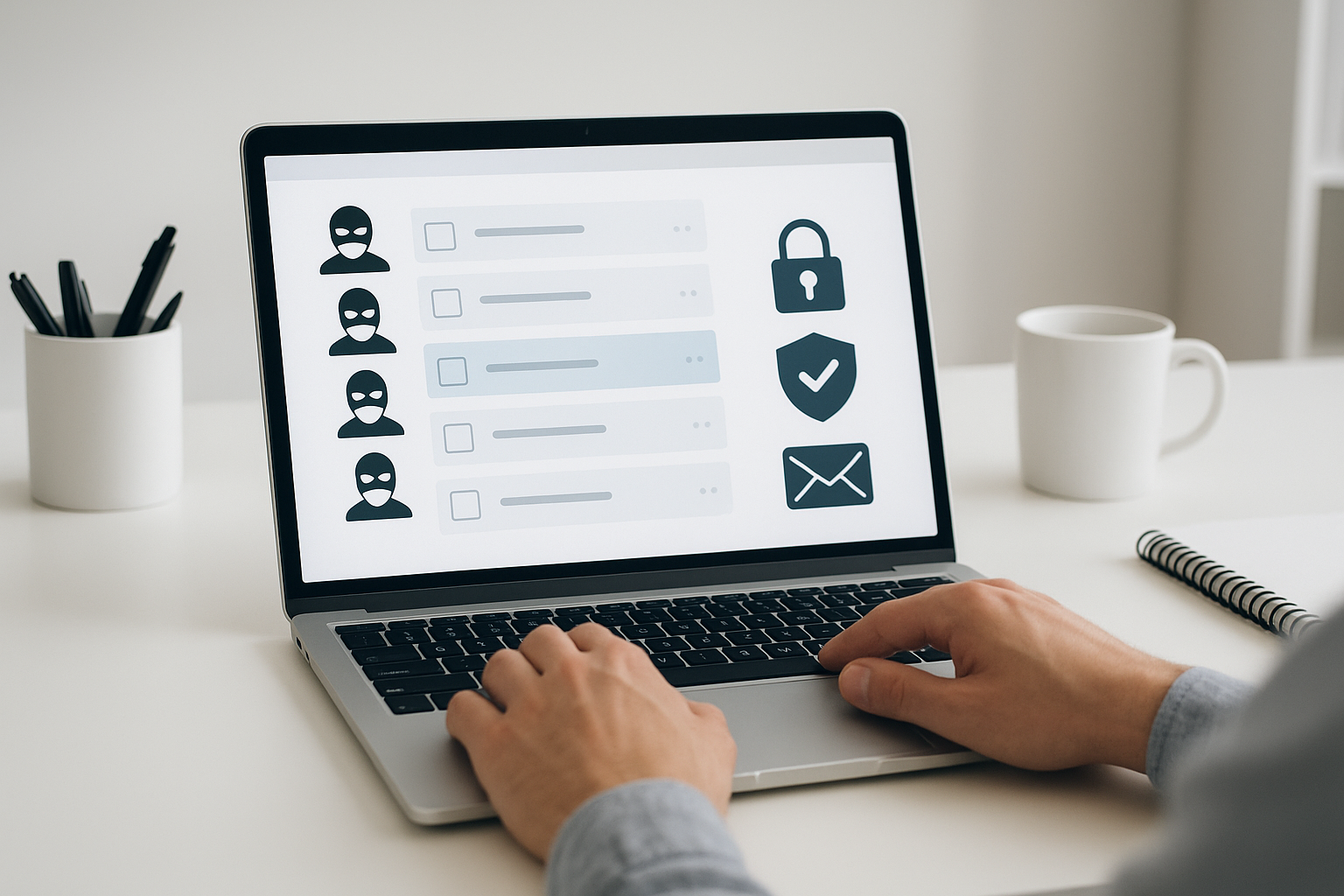

Bearing the rise of spam and burner email solutions provide a fast, simple way to protect your primary inbox. These disposable addresses shield your identity, help you avoid spam, and are easy to use for sign-ups, trials, or one-time verifications. Understanding how burner email works will empower you to browse and register with greater peace of mind.
What Is Burner Email?
Burner email (or disposable email) refers to a temporary address you can create and discard within minutes. Unlike your long-term email, burner emails are for short-lived tasks—think account sign-ups, contest entries, or verifying access to new services. At a glance, they resemble normal addresses, but behind the scenes, they’re designed to be tossed out without a trace.
The main difference that stands out: burner email doesn’t require any personal details or setup. Most platforms offer these addresses for free and keep your identity completely private. This makes them ideal whenever you’d rather not give away your real email or risk ending up on a mailing list.
Why Use a Burner Email?
Every signup, newsletter, and online shop asks for your email. Over time, these requests clog your inbox, and your details circulate in marketing databases. This is where burner emails shine—they keep your main address clean and limit the reach of spam or phishing attempts.
Introducing burner emails into your routine solves two rising problems: safeguarding your online identity and dramatically reducing unwanted messages. The choice is clear—if you want to test new websites or avoid unsolicited outreach, burner emails give you that extra privacy layer.
| Key Feature | Details |
|---|---|
| Purpose | Temporary, anonymous email address for sign-ups and verifications |
| Setup Required | Usually none; ready in one click |
| Best Use Cases | One-time registrations, avoiding spam, online trials |
| Common Providers | Temp Mail, Guerrilla Mail, 10 Minute Mail |
| Privacy Level | High—no personal data needed |
| Risks | May not work for some secure services; emails not long-term |
How Does Burner Email Work?
When you visit a burner email service, you instantly receive a temporary address—no forms, no personal information. Any emails sent to this address appear in a simple inbox on the provider’s website. You copy the email, use it wherever needed, and return to retrieve messages in seconds.
What stands out here is the automatic deletion: inboxes are short-lived (from 10 minutes to several hours, depending on the service). Once your task is done, your address and all associated emails are wiped, leaving no way to track you or bombard you with follow-ups.
- Instant creation: A new, unique email is ready immediately—no registration.
- Quick inbox access: Messages arrive in a public or private online viewer.
- Expiration policy: Inboxes self-destruct—most after a short time, a few let you extend the window.
Best Burner Email Services: At a Glance
A quick glance shows that not all disposable email providers work the same way. Here are some of the leading burner email options and their unique features:
| Service | Highlights | Free Tier | Special Features |
|---|---|---|---|
| Temp Mail | One-click, user-friendly, supports attachments | Yes | Browser extensions, API access |
| Guerrilla Mail | Custom inbox, spam filter, long-lived (1 hour+) | Yes | Address scrambling, SMS options |
| 10 Minute Mail | Ultra-fast, 10-minute lifespan, simple interface | Yes | Time reset button, multiple domains |
| Maildrop | No registration, strong spam filters | Yes | Disposable or semi-permanent |
| AnonAddy | Open-source, multiple aliases | Yes | Custom domains, strong privacy |
Top Features to Look For in a Burner Email Service
- Randomized, unique addresses
- Simple inbox access (no sign-up needed)
- Configurable lifespan or auto-extension
- Attachment and reply support
- Mobile and browser integrations
- Strong privacy policy
How to Use a Burner Email: Step-by-Step
Getting started with burner emails is straightforward. Here’s a typical workflow for anyone new to these tools:
- Choose a burner email provider (e.g., Temp Mail or 10 Minute Mail).
- Visit their website—your disposable email appears automatically.
- Copy the address and paste it wherever you need temporary signup, download, or verification.
- Return to the burner email site and open your inbox when expecting a message or code.
- Read, respond if possible, and let the inbox expire. Your info vanishes automatically.
Some people worry about missing important follow-ups. If you need longer access, select a service with extended mailboxes or use features to forward messages to your regular account, keeping your real address hidden until you’re certain it’s safe.
Pros and Cons of Burner Email
Advantages
- Excellent privacy: No need to reveal real identity
- Spam protection: Keeps main inbox clean
- No signup forms: Most services offer instant use
- Free and fast: Great for urgent tasks
Limitations and Risks
- Can’t retrieve messages once expired
- Some services block disposable email domains
- Public inboxes may expose sensitive info if misused
- Not recommended for personal finance or sensitive registration
What if you need both privacy and ongoing communication? Try services that let you turn a burner into a semi-permanent alias or forward mails to your real inbox after filtering spam.
Who Should Use Burner Emails?
You’ll benefit from burner emails if you:
- Sign up for new websites and online tools
- Download trial software or whitepapers
- Participate in contests, events, or promotions
- Want to test platforms without long-term commitment
- Value privacy and online anonymity
However, avoid burner email for anything related to purchases, subscriptions you’ll maintain, or official recoveries, since you won’t have long-term access.
Alternatives and Complementary Privacy Tools
Besides burner emails, several modern privacy tools can help you strengthen your security posture. Many users turn to email aliases or masked email services, which forward messages from random addresses to your main account, letting you cut the alias at any time if it’s leaked or spammed.
Other valuable privacy options include:
- Password managers (to generate unique, strong passwords for each account)
- Virtual private networks (VPNs) to hide your IP address while signing up
- Tracker blockers and privacy-focused browsers
Choosing the right mix of tools will depend on your risk tolerance and frequency of online registrations, but burner emails remain one of the simplest yet most robust ways to break the link between your identity and the ever-expanding marketing web.
FAQ about Burner Email
Is burner email legal?
Yes, using burner email is completely legal for most online activities. Avoid using them for fraud or violating service terms.
Can I receive attachments with burner email?
Some services like Temp Mail support small attachments, but many restrict uploads for security reasons.
How long do burner emails live?
From 10 minutes to an hour or more, depending on your chosen service. Always check before using.
Is my data safe with burner email providers?
Top-rated providers don’t store your data long-term and don’t ask for personal info, boosting privacy. Read privacy policies for details.
Can I use a burner email for password recovery?
No, it’s not recommended—when the inbox expires, you lose access. Use real or semi-permanent emails for recoverable accounts.