
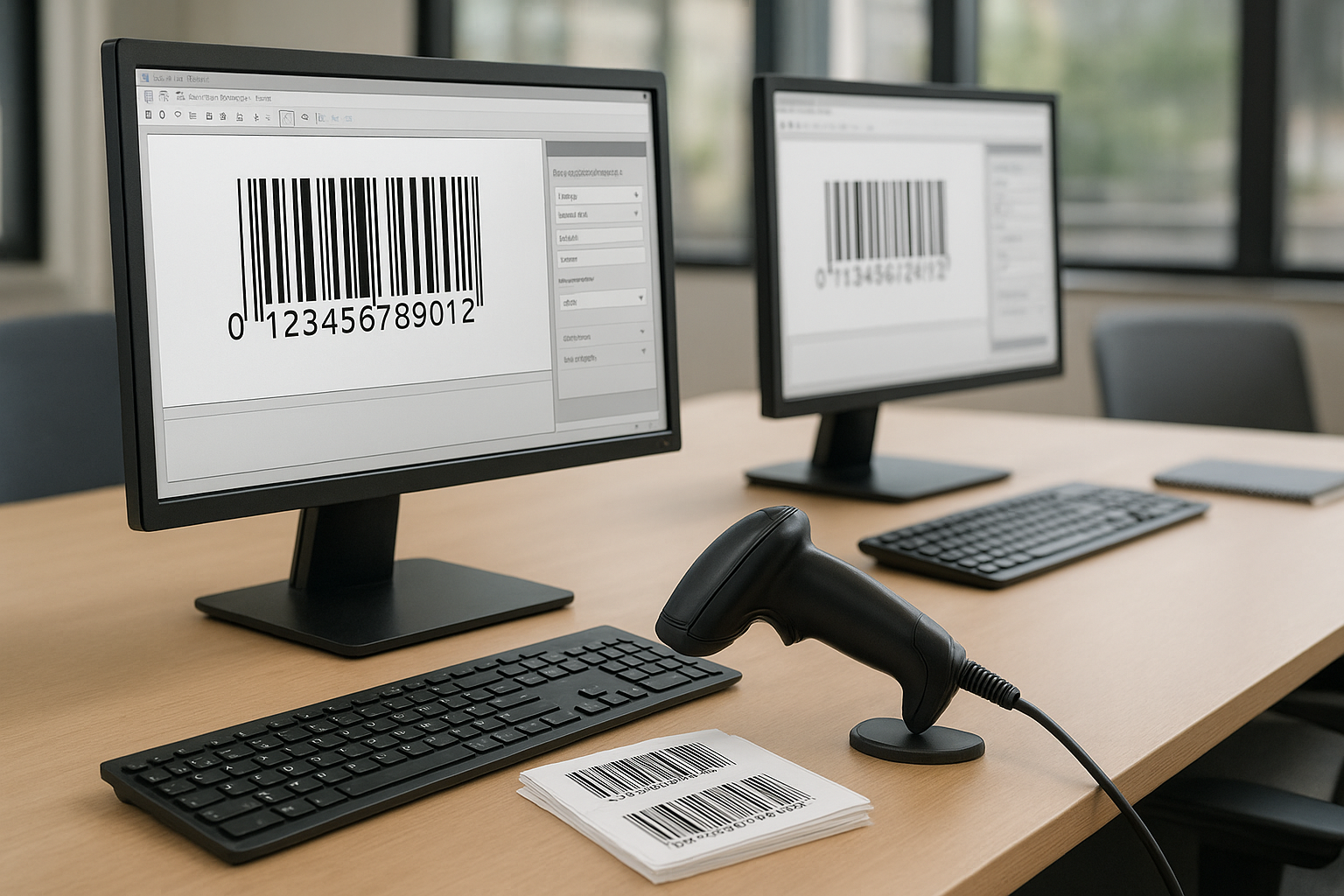

Important Info Table
| Software | Platforms | Best For | Trial/Free |
|---|---|---|---|
| BarTender by Seagull | Windows | Enterprise/Manufacturing | Free trial |
| LabelFlow | Windows | SMBs, Retail | Free demo |
| ZebraDesigner | Windows | Zebra Device Users | Free/Pro |
| NiceLabel | Windows, Cloud | Enterprises, Compliance | Free trial |
| Wasp Barcode Maker | Windows | Warehouse/Inventory | Free trial |
| EasyLabel | Windows | Industrial | Demo |
| OnlineLabels Maestro | Web-based | Small Business/DIY | Free/basic |
Why Good Bar Code Software Matters
Efficient bar code software is critical for businesses managing high volumes of products or assets. With manual tracking, errors and inefficiencies can quickly mount, disrupting inventory accuracy or sales fulfillment. Reliable solutions help automate tedious labeling and scanning, so you spend less time fixing mistakes and more time serving customers.
You might think every solution is similar, but a quick glance shows dramatic differences in customization and usability. Some tools cater to complex compliance, while others are optimized for quick label printing in retail. Choosing the wrong one can lock you into workflows that underperform or lack features you actually need. That’s why comparing options matters so much.
Best Bar Code Software Solutions of 2025
1. BarTender by Seagull Scientific
Recognized worldwide, BarTender offers an advanced suite for designing and automating bar code labels. The interface is intuitive, letting you create complex labels for compliance or logistics without steep learning curves. Powerful automation and database integration make it a favorite for manufacturers and global supply chains.
The main difference that stands out is BarTender’s broad compatibility with printers and ERP systems. It also provides options for cloud deployment—a boon for distributed teams.
2. LabelFlow
LabelFlow provides a highly visual interface that’s perfect for retail, healthcare, and small to medium businesses. Built-in barcode templates and wizards help users start printing labels in minutes, even with minimal technical know-how.
One feature that impresses is its speedy batch printing. This makes it ideal for businesses needing to print hundreds of barcodes on demand. Its support for all major symbologies is another perk.
3. ZebraDesigner
If you use Zebra printers, ZebraDesigner will look very familiar. It offers specific support and drivers for Zebra’s hardware line. A clear dashboard and drag-and-drop design tools streamline the label creation process. Its free edition covers fundamental needs, while paid versions unlock advanced automation and database connectivity.
For organizations standardized on Zebra equipment, this tight integration is the main advantage.
4. NiceLabel
NiceLabel brings enterprise-level capability with both on-premise and cloud setups. It excels at regulatory compliance, batch printing, and centralized label management. The interface is modern and supports collaboration, helping teams standardize their workflows.
NiceLabel’s analytics and version control features push label quality and compliance one step further than many similar tools.
5. Wasp Barcode Maker
Wasp Barcode Maker is focused on businesses needing integrated inventory and asset tracking. It’s easy to generate and print bar codes directly within Microsoft Office, and it comes bundled with scanning hardware solutions for a plug-and-play experience.
The standout difference is that Wasp combines software and hardware, making setup faster and less error-prone, especially for first-time adopters.
6. EasyLabel
EasyLabel targets industrial labeling needs, offering robust automation and thermal printer compatibility. Users can manage large volumes, connect to databases, and configure complex label layouts. It’s suited for regulated environments where traceability and record-keeping are a must.
Highlight: Its no-coding automation tools help non-developers quickly set up intricate printing tasks.
7. OnlineLabels Maestro
OnlineLabels Maestro shines for startups and DIY users who need simple, web-based bar code generation. It’s browser-based, offering flexible design and download options without the need for installations. Templates cover retail, shipping, and office scenarios.
Fast setup and basic features come free. Paid options expand export formats, resolution, and commercial use rights.
Key Features to Look For
- Support for Multiple Barcode Symbologies (QR codes, 1D, 2D, etc.)
- Batch Printing Capabilities to save time
- Integration with Printers and Scanners
- Database Connectivity for automated data labeling
- Custom Label Designer with WYSIWYG editing
- Compliance Tools (GS1, FDA, etc.)
- User Access Controls and audit logs
- Cloud or Web-Based Options for remote teams
Not all organizations need every advanced feature, so identify your must-haves first. If you scale, you’ll enjoy smoother upgrades if core needs are already covered.
Comparing Pricing, Pros & Cons
| Software | Starting Price | Pros | Cons |
|---|---|---|---|
| BarTender | From $495/yr | Enterprise features, broad compatibility, automation | Complex for smaller teams, premium price |
| LabelFlow | From $299/one-time | Easy setup, templates, good value | Limited cloud features |
| ZebraDesigner | Free/$295 Pro | Great Zebra integration, basic free version | Mainly for Zebra printers |
| NiceLabel | From $595/yr | Powerful compliance tools, cloud options | Higher learning curve, costly for small biz |
| Wasp Barcode Maker | From $95/one-time | Office integration, hardware bundles | Limited advanced features |
| EasyLabel | From $500/one-time | Industrial grade, automation, no coding needed | PC only, not web-based |
| OnlineLabels Maestro | Free/$19.95/mo premium | Web-based, easy for beginners | Feature set is basic, some export limits |
A quick glance shows a broad range of prices and functionalities. While some platforms look similar in layout or capabilities, the main difference often lies in how deeply they integrate with your current systems.
How to Choose the Right Bar Code Software
Start by listing your label volume, the complexity of use cases, and whether you need hardware integration. Consider your industry’s compliance needs—is regulatory labeling essential? If yes, an advanced compliance suite like NiceLabel will stand out. For everyday retail or office use, speed and template availability might matter more.
Budget is another key factor. Most top options offer a trial or free tier, so always test for fit before committing. Evaluate workflow—from design to print—across your everyday scenarios. The ideal bar code software will reduce errors, save time, and scale as your business grows.
FAQ: Best Bar Code Software
What is bar code software?
Bar code software lets you create, print, and manage barcodes for products, inventory, shipping, and more. It automates tracking and improves accuracy in business processes.
What are the benefits of using professional bar code software?
Key benefits include error reduction, time savings, compliance with industry standards, and integration with hardware and databases for seamless workflows.
Is there free bar code software?
Yes—several solutions like ZebraDesigner (basic), OnlineLabels Maestro, and open-source tools provide free features. However, paid versions unlock advanced options.
Can I design barcodes for any industry?
Most top software supports all major symbologies and can be customized for retail, healthcare, manufacturing, and logistics. Always check compliance features if your industry requires them.
Do I need specific printers or scanners?
Some software is optimized for certain brands, but most leading platforms support a wide range of commercial and consumer hardware for both printing and scanning.
Can I automate bar code printing?
Yes. Leading solutions provide batch printing and automation tools that let you trigger label creation from databases, ERP, or order management systems.