
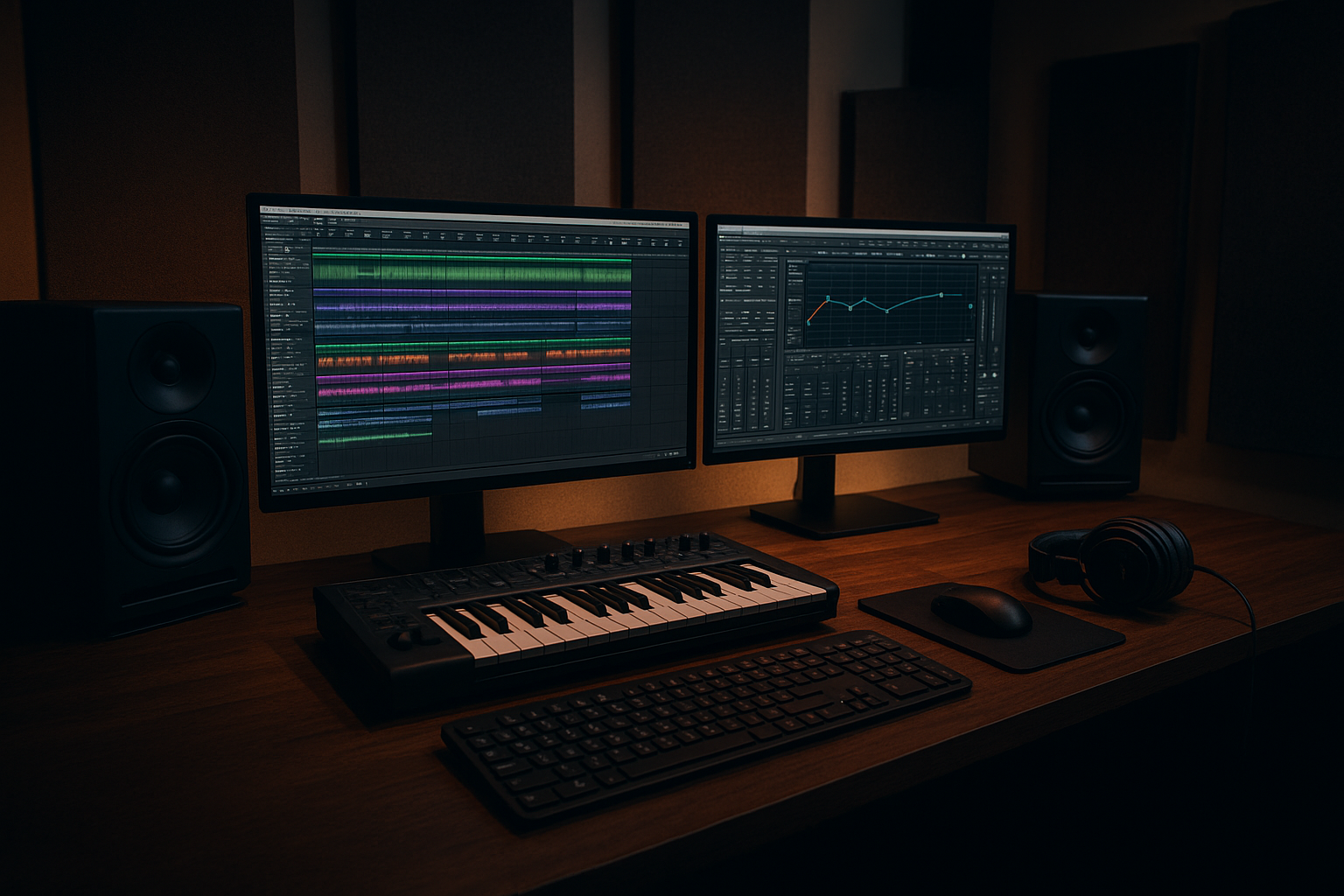

Overview: What is Music Software?
Music software covers all digital tools used to compose, record, produce, edit, and mix audio tracks. The core of music creation today lies in DAWs (Digital Audio Workstations), complemented by virtual instruments, audio plugins, and mastering suites. These solutions serve everyone from beginners experimenting at home to professional studio engineers crafting chart-topping hits.
Choosing the best tool can feel challenging as many platforms look very similar at first. The main difference that stands out is how some provide intuitive interfaces for fast music sketching, while others offer complete production suites for advanced audio control and collaboration.
Important Information Table
| Music Software | Platform | Best For | Pricing | Key Feature |
|---|---|---|---|---|
| FL Studio | Windows, macOS | Beatmakers, EDM | From $99 | Step sequencer, lifetime updates |
| Ableton Live | Windows, macOS | Electronic, Live Performance | From $99 | Session View, workflow speed |
| Logic Pro | macOS | Professional studios | $199 (one-time) | Bundled instruments, Apple ecosystem |
| Pro Tools | Windows, macOS | Mixing, Post-production | From $9.99/mo | Industry standard, editing tools |
| GarageBand | macOS, iOS | Beginners, hobbyists | Free | User-friendly, great samples |
| Cubase | Windows, macOS | Songwriters | From $132 | Score editor, MIDI tools |
| Reaper | Windows, macOS, Linux | Custom workflows | $60 (discounted) | Lightweight, flexible licensing |
| Studio One | Windows, macOS | Modern producers | From $99 | Drag-and-drop, fast setup |
| Bitwig Studio | Windows, macOS, Linux | Electronic creativity | $399 | Modulation System, clip launching |
| Tracktion Waveform | Windows, macOS, Linux | Budget production | Free (basic), $119 (pro) | Unlimited tracks, affordable |
Top 10 Best Music Softwares in 2025
The competition among music softwares is fierce. A quick glance at the leading DAWs shows each stands out for a particular specialty, yet all share essential core capabilities such as multi-track recording and plugin support. Let’s run through the top picks:
- FL Studio: Best for EDM and quick beats. The step-sequencer and intuitive pattern workflow appeal to beatmakers.
- Ableton Live: Famous for live sets and unique Session View. Looks very similar to Logic at first, but offers a workflow tailored for non-linear creation.
- Logic Pro: Apple’s flagship, offering a clearer interface with pro instruments and effects for one-time payment.
- Pro Tools: The industry standard for audio pros, especially powerful for mixing, recording bands, and post-production.
- GarageBand: An easy entry point for Mac/iOS users, with polished sounds and simple interface.
- Cubase: Renowned among composers for scoring, MIDI, and arranging tools.
- Reaper: Lightweight, customizable, and budget-friendly for all levels.
- Studio One: Modern design, fast drag-and-drop features, and a balanced workflow for all genres.
- Bitwig Studio: Modular creativity, endless routing, great for experimental producers.
- Tracktion Waveform: Free core, flexible UI, perfect for beginners on a tight budget.
Some platforms, like FL Studio and Ableton, offer different editions so you can scale features as your needs grow.
After producing your tracks, design cover art and visuals with our Best Photo Editing Softwares guide for professional results.
How to Choose the Right Music Software
Picking the best music software can feel overwhelming. Should you prioritize workflow, sound libraries, price, or platform compatibility? Many programs offer similar layouts, but the right choice shapes your creative flow and success.
Beginners may need a guided approach, while seasoned producers demand deep editing and plugin support. Think about your style, whether you’re producing electronic, rock, hip-hop, or classical. Hardware matters too—some DAWs run only on macOS while others fit any setup.
Key Features to Compare
- User Interface: Is it intuitive or does it require long training?
- Bundled Sounds/Instruments: Are quality virtual instruments and samples included?
- Audio Editing Power: Does it support detailed waveform editing and advanced mixing?
- Plugin/Extension Support: Can you use third-party VST, AU, AAX plugins?
- MIDI Capabilities: How flexible and deep are the MIDI features?
- Collaboration: Does it support real-time or cloud-based co-creation?
- Performance: How reliably does it handle large projects?
- Cross-Platform Availability: Does it run on Windows, Mac, Linux?
- Pricing Model: One-time, subscription, or free?
At a glance, all major DAWs look quite capable. But a deeper look shows differences in workflow speed, creative flexibility, and built-in content that may affect your daily production.
Pros and Cons by Experience Level
For Beginners
- GarageBand, FL Studio (Fruity): Little learning curve, affordable/free, many templates. But limited professional workflows and scalability.
- Tracktion Waveform: Free core is great value; but advanced features cost extra.
For Intermediate to Advanced Producers
- Ableton Live, Studio One, Logic Pro: All-in-one tools, huge libraries, advanced routing. Some have steeper learning curves.
- Pro Tools, Cubase: Industry standards for complex projects. Investment and training needed.
- Bitwig Studio, Reaper: Highly customizable for unique workflows, but less mainstream support and smaller user bases.
You may discover that most free DAWs offer a similar layout to paid ones, but features and support usually lag behind.
Pricing and Licensing Explained
Music software pricing ranges from free (GarageBand, Tracktion Waveform Basic) to premium models costing several hundred dollars (Ableton Suite, Bitwig Studio, Logic Pro). Buying outright is common, but subscriptions are growing, especially for Pro Tools and cloud-based suites.
The main difference that stands out is lifetime updates (FL Studio), versus upgrades sold separately (Cubase), or continuous subscriptions (Pro Tools). Some platforms offer educational discounts, free trials, or starter editions for novices testing the waters.
Consider your budget, how often you plan to upgrade, and whether you prefer perpetual ownership or ongoing updates.
Need help managing budgets or invoices? Check our Best Accounting Softwares guide to streamline your studio’s finances.
FAQ: Best Music Softwares
Which music software is best for beginners?
GarageBand (for Mac/iOS) and FL Studio Fruity Edition are extremely beginner-friendly with clear interfaces, guided workflows, and lots of tutorials.
What DAW is most used by professional producers?
Ableton Live, Logic Pro, and Pro Tools are among the top picks for professionals due to deep editing power and industry-wide compatibility.
Can I produce professional music for free?
Yes—for basic needs. GarageBand and Tracktion Waveform Free are both capable for entry-level tracks. For advanced work, paid DAWs provide superior features and support.
Is the learning curve steep on music softwares?
It depends. Some, like GarageBand, are plug-and-play. Others, like Cubase or Pro Tools, offer more complexity and depth but require more training.
Are music softwares available for Linux?
Yes, Reaper, Bitwig Studio, and Tracktion Waveform have solid Linux versions. Major DAWs like Logic Pro are Mac-only.