
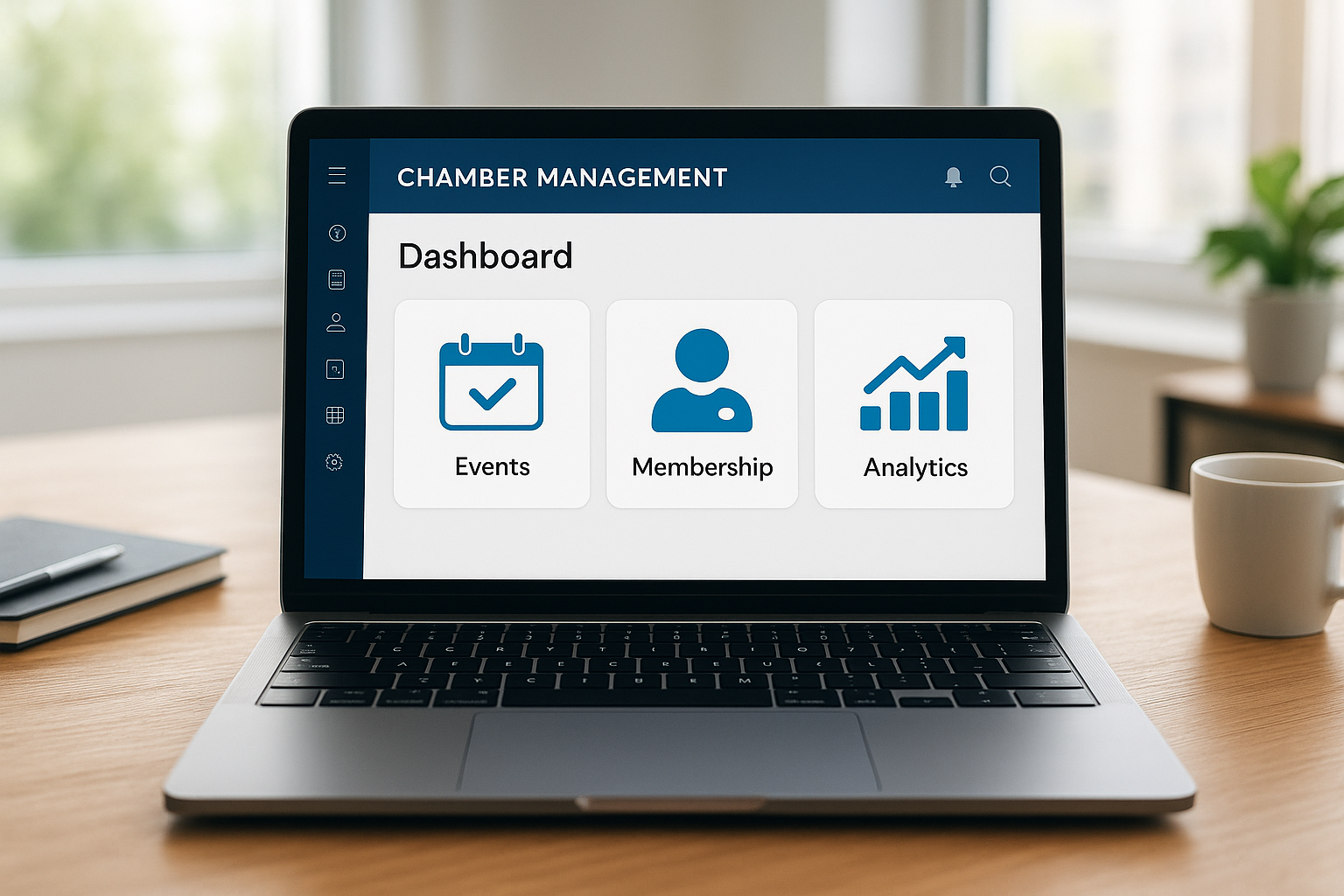

Chamber Master is a leading software designed to help clubs and associations manage memberships, events, billing, and communication all in one place. It provides a powerful dashboard for administrators and members, streamlining daily tasks and improving engagement. The platform stands out for its intuitive tools, customizable options, and seamless integrations, making it a top choice for organizations of all sizes.
Introduction
Managing a club or association comes with many moving parts—from membership renewals to event registrations and regular communication. Without the right tools, these everyday tasks can quickly become overwhelming. Chamber Master is designed specifically to help organizations like yours streamline these processes and focus on building a vibrant community.
This guide takes a detailed look at Chamber Master’s core functionalities, benefits, and where it sits among competitors. Whether you’re searching for official product info, considering making the switch from your current platform, or curious how Chamber Master could improve your daily workflow, you’ll find clear, actionable answers here.
What Is Chamber Master?
Chamber Master is a cloud-based membership management platform widely used by chambers of commerce, trade associations, and similar organizations. It acts as a centralized hub for tracking members, coordinating events, handling billing, collecting dues, and engaging your community—all through a single, secure interface.
The software is accessible from any device with an internet connection, making it easy for teams to view reports or take action on-the-go. While many tools offer generic features, Chamber Master stands out for tools tailored specifically for membership-driven organizations.
| Feature | Details |
|---|---|
| Core Purpose | Club and association management |
| Best For | Chambers of commerce, nonprofits, industry groups |
| Deployment | Cloud-based |
| Main Modules | Membership, events, billing, website, communication |
| Integrations | Calendar, payment gateways, email platforms |
Key Features of Chamber Master
At a quick glance, Chamber Master looks similar to several all-in-one platforms. However, it’s the tailored modules and intuitive workflows that tend to make the biggest difference for clubs and associations. Let’s break down the most important features:
- Membership Management: Effortlessly track, segment, and renew memberships. Automate reminders and empower members with self-service options.
- Event Management: Create, promote, and manage event registrations with built-in payment and attendance tracking.
- Billing & Invoicing: Automatic billing, recurring payments, and customizable invoices help simplify your financial operations.
- Member Portal: Members enjoy a personalized experience, from updating records to registering for exclusive events or paying dues easily.
- Communication Tools: Built-in email campaigns and announcement features for targeted group or individual messaging.
- Website Integration: Sync your association’s website with directories, event calendars, and forms, keeping information up to date with minimal effort.
Additional Highlights
- User roles and permissions for different team members
- Robust reporting and analytics dashboards
- Support for sponsorship and advertising placements
- Mobile-friendly interface for staff and members
How Chamber Master Benefits Management
The main difference that stands out for many organizations is just how much time Chamber Master saves each week. Administrative tasks that once took hours now take minutes, thanks to automation and consolidated workflows.
For example, sending renewal reminders or analyzing attendance statistics no longer requires manual spreadsheets. The platform pulls it all together in an interface that provides a clearer dashboard than many alternatives. This allows managers to focus on member value and engagement instead of routine busywork.
- Reduces administrative overhead for staff
- Enhances member satisfaction with self-service tools
- Increases transparency with robust reporting
- Strengthens communication through targeted, timely announcements
How Does Chamber Master Change Daily Workflows?
Most users report smoother membership cycles and a better-organized events calendar within the first month. New staff members can get up to speed quickly, and organizations often find it easier to grow and maintain engagement as operations run more efficiently. If you’ve struggled with piecemeal solutions or manual processes, Chamber Master brings everything together for a more realistic workflow experience.
Pricing and Plans
Pricing for Chamber Master varies based on organization size and required feature sets. A quick glance shows plans begin at entry-level rates for smaller groups, with custom pricing available for larger or multi-chapter organizations.
While exact pricing is best confirmed on the Chamber Master website, all plans generally include core modules, member portals, and standard integrations. Additional modules, advanced analytics, or white-glove onboarding may carry higher fees.
- Transparent, tiered pricing based on size/features
- Free demo and quote available from the vendor
- No hardware required—100% web-based
- Support and training available for all plans
Comparing Chamber Master to Similar Solutions
At a high level, Chamber Master looks very similar to other membership management tools like Wild Apricot, MemberClicks, or YourMembership. The main difference that stands out is its focus on chambers and business associations, resulting in more industry-relevant integrations and reporting templates.
Some platforms may offer broader industry features, but Chamber Master excels at helping organizations manage sponsorships, dues, and public directories with less manual setup. The interface provides a clearer view for groups with complex sponsorship or event workflows, while still offering plenty of customization to fit different needs.
- Tailored modules for chamber-centric operations
- Stronger integration with membership directories and local business tools
- User-friendly learning curve compared to complex enterprise software
Best Practices for Using Chamber Master
To get the most out of your Chamber Master investment, it’s best to designate a project lead for onboarding and training. Starting with a clean data migration and taking advantage of vendor-provided resources helps you set up automation and custom reports right from the start.
Build regular reviews of your events and membership analytics into your workflow. This helps surface trends early and allows you to adapt strategies before small issues become major roadblocks. Leverage built-in communication tools to create targeted updates and ensure members always know about upcoming opportunities.
Key Tips Checklist
- Set up role-based access for team security
- Customize member types and dues structures early
- Automate reminders and workflow notifications
- Use analytics to guide programming and outreach
- Schedule regular platform updates and training refreshers
FAQ
- What is Chamber Master?
- Chamber Master is a cloud platform for managing memberships, events, billing, and communications for chambers of commerce, associations, and similar organizations.
- How do I log in to Chamber Master?
- You can access your Chamber Master account by visiting the official login page on the Chamber Master website or by using your organization’s member portal link.
- What integrations does Chamber Master support?
- Chamber Master integrates with payment gateways, popular calendar apps, and leading email platforms to streamline administrative workflows.
- Is training or onboarding support available?
- Yes, Chamber Master offers onboarding, training, help documentation, and ongoing customer support for all subscription plans.
- Can I migrate data from another platform?
- Most users can import membership and billing data during the onboarding process, often with support from the vendor’s migration specialists.