

Important Information Table
| Aspect | Details |
|---|---|
| Main Purpose | Send/receive faxes via internet without physical fax machines. |
| Who Uses It? | Businesses, professionals, individuals. |
| Setup Required | Usually just an email address or mobile app; no hardware. |
| Security Standard | Supports encryption, secure document transfer. |
| Popular Services | eFax, MyFax, MetroFax, HelloFax, Fax.Plus, CocoFax. |
| Free Trial? | Most services offer a limited free trial or sending quota. |
| Pricing | From free basic plans to advanced PRO options for businesses. |
What Is Fax Online?
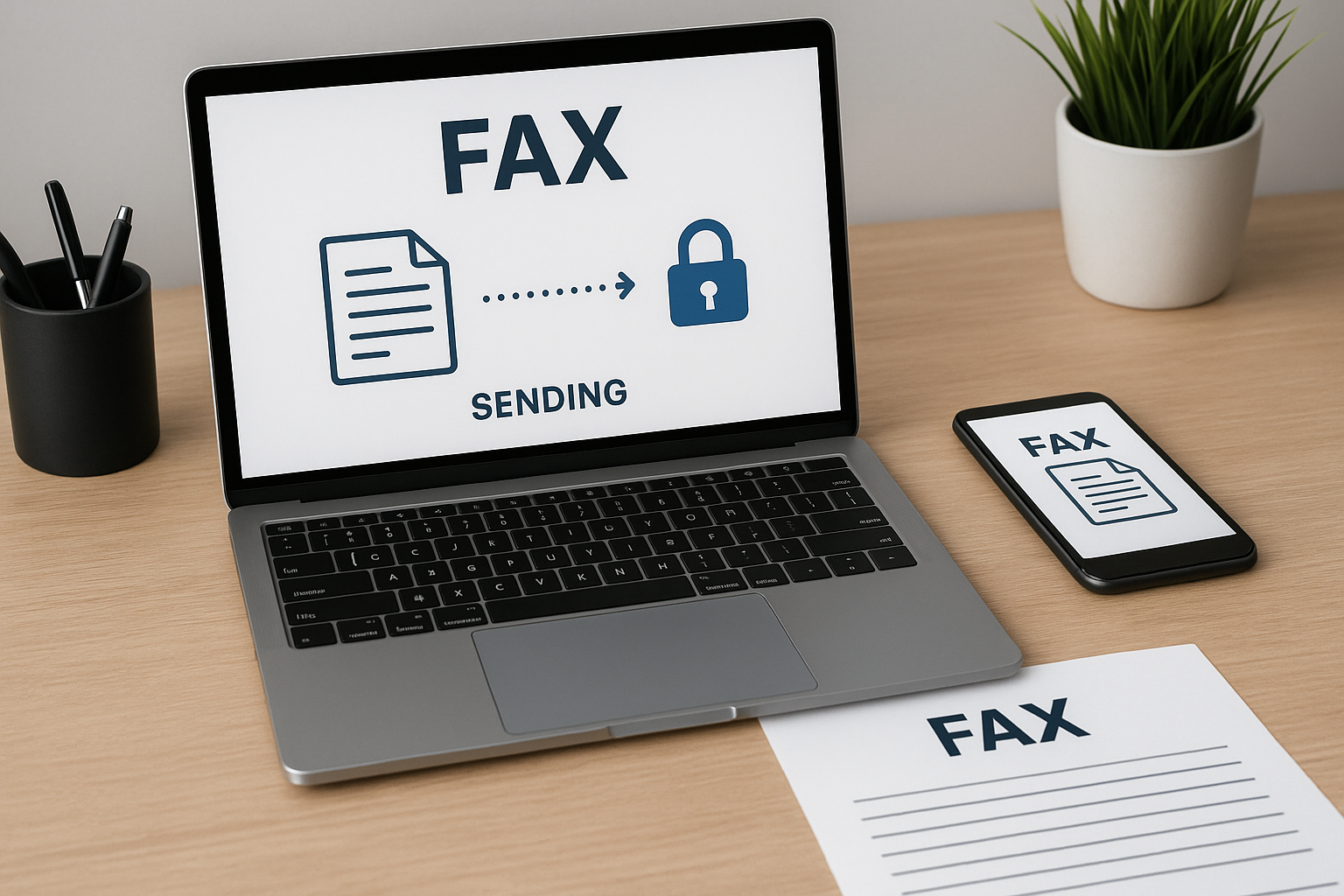
Fax online refers to using an internet-based service to send and receive faxes—no physical fax machine, no landline required. Anyone with an internet connection can transmit documents between fax numbers or even to email addresses, streamlining what was once a hardware-heavy process.
This approach modernizes document delivery for contracts, signatures, medical records, and official paperwork. With online fax, you enjoy the same legal and business recognition as traditional faxes, but add the speed and convenience of digital tools.
Key Benefits of Online Faxing
- Mobility: Fax from mobile devices, laptops, or desktops
- Cost Savings: Eliminate paper, toner, and phone lines
- Simplicity: Setup in minutes; no special hardware
- Document Management: Store, search, and organize faxes digitally
- Security: Encrypted document transfer, access controls
- Eco-Friendly: Reduce physical waste and energy
For companies managing sensitive data, online faxing’s security features stand out. It slashes manual steps, freeing up time while minimizing the risk of lost paperwork. The eco benefits also appeal to organizations targeting greener operations.
How Does Fax Online Work?
Instead of dialing a fax machine, documents are uploaded—via web portal, app, or email—to your service provider. The provider digitizes, encrypts, and sends the fax to the recipient’s number or email. Incoming faxes are converted into PDF or image files and securely delivered to you.
This digital flow removes busy signals, paper jams, and waiting by the machine. You receive notifications as soon as faxes arrive, and records are automatically archived. It’s a seamless upgrade over traditional faxing with no learning curve.
Choosing an Online Fax Service
Many online fax providers target different needs: from light personal use to heavy corporate workflows. A quick glance at their websites shows similar layouts, but the devil’s in the details—especially on limits, integrations, and security.
Before signing up, compare factors like pricing, monthly page limits, supported file types, and whether you get a local or toll-free fax number. Customer testimonials and support responsiveness are also helpful barometers for real-world performance.
Top Features to Consider
- Free Trial or Demo: Test drive before committing
- Platform Compatibility: iOS, Android, Windows, web compatibility
- Security & Compliance: HIPAA, GDPR, bank-grade encryption
- International Support: Fax worldwide, not just locally
- Integrations: Sync with email, Dropbox, Google Drive, CRM tools
- Customizable Cover Pages: Add branding, legal disclaimers
- Digital Signatures: E-sign documents within the platform
The main difference that stands out between top services is often user interface clarity and integration depth with other digital tools—key for busy professionals.
Detailed Comparison of Popular Services
eFax
eFax offers robust features, enhanced security, and flexible plans. The processing engine is quite powerful, handling large files and multiple formats. Its interface provides a clearer overview of recent faxes and storage options compared to most.
MyFax
MyFax focuses on simplicity for small business and home users. The different user modes are styled for both occasional and frequent faxers, making the learning curve gentle. Coverage includes over 40 countries for sending and receiving.
Fax.Plus
Fax.Plus pushes performance a step further with advanced security (including enterprise SSO), strong API support, and team features. Its mobile apps are the most intuitive among the main options at a quick glance.
HelloFax, CocoFax & Others
Each offers a similar core setup: drag-and-drop uploads, integration with cloud storage, digital signatures. Pricing and support hours differ, so it’s crucial to align with your specific volume and time zone needs.
How to Send a Fax Online: Step by Step
- Sign up for an online fax service (most offer a free trial).
- Select or upload the document you wish to fax.
- Enter the recipient’s fax number or email address.
- Add a customizable cover page if needed.
- Click “Send”—you’ll receive confirmation and tracking updates.
Most platforms will also allow you to receive faxes as PDFs or view them in a secure portal. You can forward, download, or even sign documents instantly, keeping your workflow fully digital.
Security and Privacy in Online Faxing
Security is a top priority for online fax providers. Look for end-to-end encryption, password-protected portals, and compliance with regulatory standards like HIPAA or GDPR. Only authorized users should access sensitive documents.
Providers routinely update security features to counter emerging threats. Always use strong passwords, enable multi-factor authentication, and avoid sharing account credentials for best practice.
Cost Factors and Free Trials
Pricing for online fax ranges widely: many offer free limited plans, while business features scale based on page volume or team access. Watch for overage fees on high-volume plans, and verify whether local/international fax numbers affect cost.
The main difference that stands out is the length and limits of free trials. Some providers include international faxing in the base price, while others treat it as an add-on. Always review what’s included before signing up.
Common Problems and Solutions
- Fax Not Delivered? Double-check recipient’s number and file format compatibility.
- Poor Document Quality? Use high-resolution originals and standard PDF formats.
- Privacy Concerns? Enable all available security features, and review access logs.
- Plan Exceeded? Monitor your usage through the platform dashboard and upgrade if necessary.
Providers commonly offer 24/7 support or extensive help centers to resolve such issues fast. If problems persist, consider switching providers for a better fit to your workflow.
SEO FAQ: Online Fax
Is faxing online legally valid?
Yes. Online fax is recognized in most countries as legally valid, especially for official and signed documents, as long as it meets security and compliance standards.
What file types can I fax online?
Most services accept PDF, DOC, JPG, PNG, TIFF, and more—always check your provider’s list for compatibility.
Can I use my existing fax number?
Porting is possible with several services, letting you keep your fax number while moving online for easier transition.
Is online faxing secure for sensitive documents?
Reputable providers offer strong encryption and compliance features, making online faxing secure for contracts, medical, or legal documents.
What happens if I exceed my plan’s page or recipient limits?
Typically, you’ll incur minimal overage fees, or you can upgrade to a higher plan to suit higher fax volumes or multiple user access.