
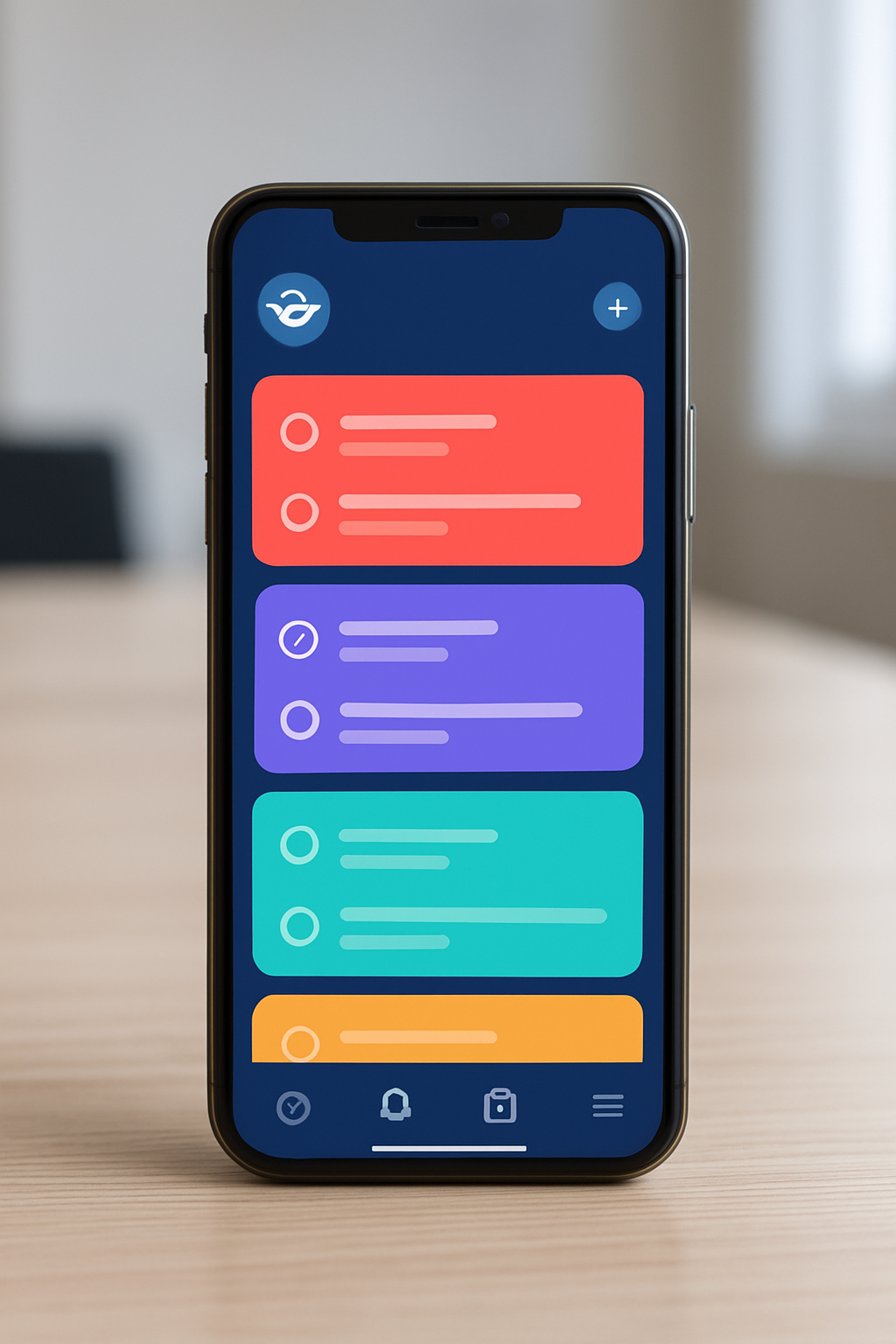

What Is Genie App?
The Genie App is a mobile-first task management platform available for both Android and iOS. It helps users organize, prioritize, and complete everyday tasks with minimal effort. Its design focuses on quick navigation, visual clarity, and immediate access to vital tools.
Whether you’re a student, a busy professional, or managing a household, Genie App delivers an interface that adapts to any workflow. The main goal is to eliminate clutter, making your to-do list easier to handle in any context. It looks very similar to leading productivity apps but spotlights fast, one-tap actions as the main difference that stands out.
| Information | Details |
|---|---|
| Platform | Android, iOS |
| Official Download Links | Google Play | App Store |
| Developer | Genie Technologies Ltd. |
| Main Focus | Personal & Team Task Management |
| Pricing | Free with optional premium plans |
Where to Find Genie App: App Stores & Website
The fastest way to access the Genie App is through your device’s official app store. Simply searching with the phrase “Genie App” will direct you to the verified download page. Always look for the official developer, Genie Technologies Ltd., to avoid confusion with similar-sounding apps.
If you prefer a direct path, the official website offers download buttons for both iOS and Android. You can review privacy policies and frequently asked questions there. This convenient access is ideal for first-time users, but experienced users will also benefit from update notes released directly on these channels.
- Google Play Store: For Android users
- Apple App Store: For iPhone and iPad users
- Official Website: For help, downloads, and support
Main Features of Genie App
What sets the Genie App apart is its focus on simplicity and customization. A quick glance shows a dashboard that’s free of distractions, giving you instant access to what matters most. Here’s what you’ll notice after your first login:
- Instant Task Entry: Add tasks in just one tap
- Smart Priority Sorting: Genie sorts items automatically by urgency
- Shared Lists: Easily collaborate with family, friends, or teams
- Reminders & Notifications: Never miss a deadline, with silent or prominent alerts
- Color Coding & Labels: Tag tasks visually according to context
- Progress Tracker: Visual overview of completions and streaks
- Customizable Widgets: Add Genie directly to your phone home screen
A Closer Look at Standout Options
The main difference that stands out with Genie is how user mode changes are distinctly styled. Personal lists look different from work modes, providing what we consider the most realistic workflow experience. Using shared lists, users will also see updates in real-time, similar to leading collaboration tools.
Expect regular improvements: the processing engine is quite powerful, and background sync ensures you never lose progress even with patchy internet connections. Genie’s in-app walkthrough makes onboarding very simple, which is not always the case with other competitors.
Why Choose Genie over Other Task Apps?
Why select Genie as your primary task tool when countless productivity apps fill the stores? The main reason is clarity and speed. Genie doesn’t bury features behind hidden menus or cluttered screens. The interface provides a clearer view of your active tasks, highlighting only what’s immediately actionable.
Another benefit: Genie App operates smoothly on both older and new devices, using little battery. Unlike heavy apps that slow you down, Genie maintains performance even with multiple lists and collaborators. The app usually receives visually-inspired updates sooner than its competitors, making it feel fresh and current.
- Minimal onboarding—setup takes minutes, not hours
- Offline access for uninterrupted productivity
- Flexible themes that adapt to your style or workplace
Getting Started: Setup in Minutes
Genie App prides itself on an onboarding process that’s both fast and supportive. As soon as you download the app from your preferred store, you’re guided by a personal tour showing where each main function lives. The layout looks very similar to other top apps, so those who switch over instantly recognize familiar actions like tapping, swiping, and grouping items.
You can start for free with a basic account or log in using existing credentials from Google, Apple, or email. Genie imports existing task lists from other apps with just a few taps, saving time for users migrating from a different tool. No credit card is required for most features, so you’re free to experiment without commitment.
- Open the store and search « Genie App »
- Download & install within seconds
- Start the guided setup tour or skip if you’re experienced
- Add your first task and see it appear instantly
Tips, Drawbacks & User Experience
While Genie App boasts a robust list of smart features, there are a few things you might want to consider. Advanced automation fans might notice that Genie doesn’t offer deep integrations with every third-party calendar or CRM tool yet. This could be a concern for those needing seamless enterprise-level data flow.
However, for most users, the ease of use and quick learning curve make up for these omissions. Genie’s support center operates within the app, letting you triage issues without leaving the screen. Feature requests and bug fixes are handled via an active feedback channel, so improvements roll out regularly.
- Tip: Use color labels to separate personal from work tasks for a cleaner overview.
- Tip: Activate reminders for “high urgency” and silence the rest for focus.
- Possible Drawback: Limited third-party integrations for now, but more planned soon.
FAQ About Genie App
- Where can I download Genie App safely?
- Always use the official app store links (Google Play Store, Apple App Store) or the official Genie website for secure downloads.
- Is Genie App really free?
- Most features are free. Some advanced functions—like multiple account access—are available via premium plans.
- Does Genie App require an internet connection?
- No, Genie App works offline and syncs tasks once you’re back online.
- Can I collaborate with others?
- Yes, Genie offers shared lists and real-time task updates for groups, families, and teams.
- Does Genie replace a full project manager?
- It’s designed for individual and team task lists, not complex project management workflows—yet.
In summary, the Genie App stands out because of its clean design, effective features, and ease of access even for non-experts. Try it out by downloading from your favorite store, and see how much simpler task management can be.