
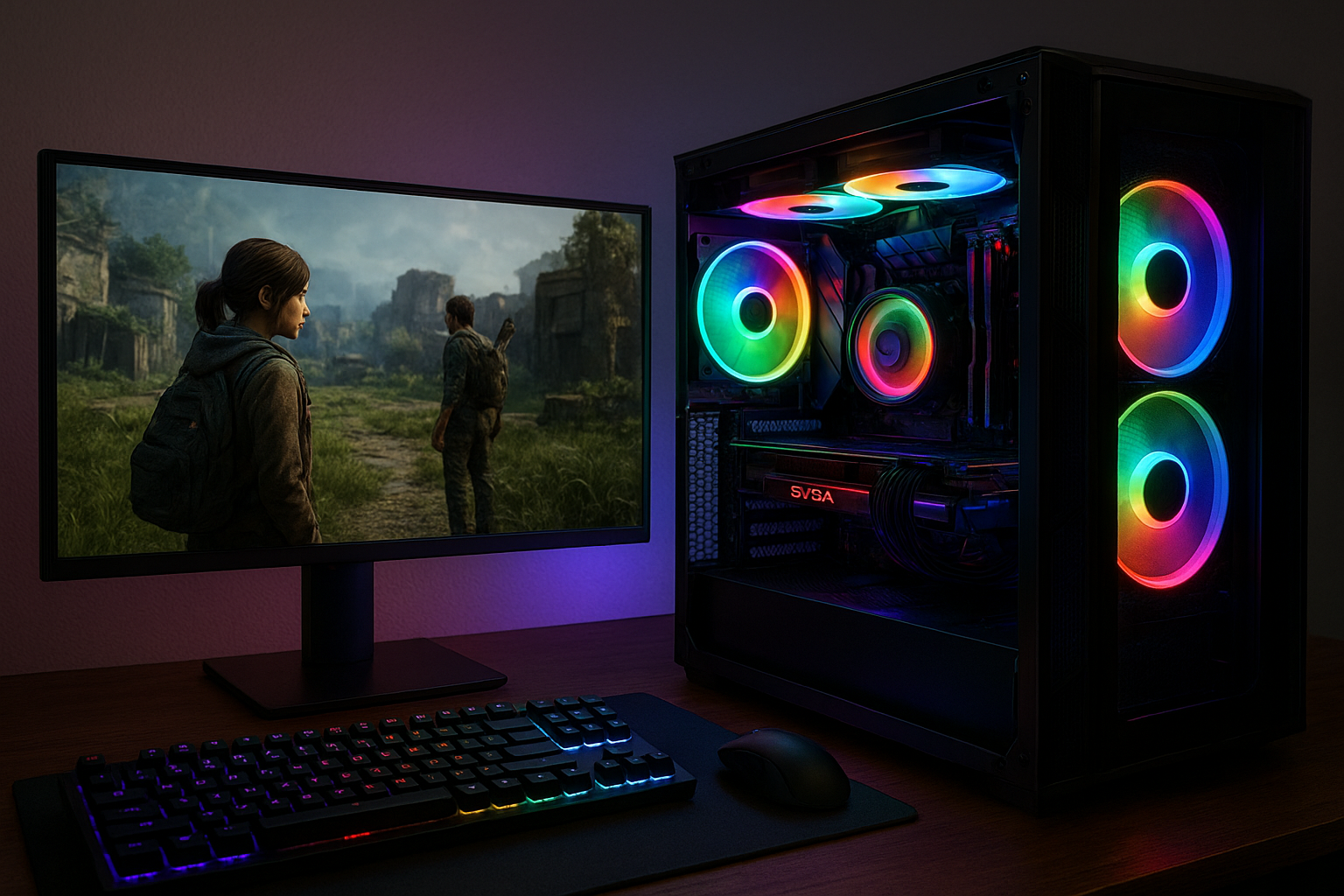

Modding lets you personalize games and hardware, offering new features and endless creative possibilities. This detailed guide covers what modding means, why it’s popular, the tools involved, and essential steps for safe and effective customization. Explore everything from simple tweaks to advanced overhauls—no expert skills required!
| Aspect | Details |
|---|---|
| Definition | Modding means customizing or altering software or hardware, often in games, to change how it looks, plays, or works. |
| Popular Targets | Video games, computer cases, controllers, operating systems |
| Required Skills | Basic computing; advanced projects may need programming or design knowledge |
| Risks | Possible software issues, warranty concerns, or bans in online games |
| Main Tools | Mod managers, editors, hardware kits, online tutorials |
What Is Modding?
At its core, modding is about changing or customizing digital or physical products. Most often, it refers to user-created changes in video games—called « mods »—that tweak visuals, add items, or dramatically alter gameplay. However, it also includes hardware tweaks, such as customizing your PC case with LED fans, or adding a unique skin to your controller.
Modding gained popularity as a way to extend the life and replay value of games. When developers release mod tools, players get the power to personalize their experiences in creative ways. Today, entire communities thrive by sharing mods and ideas, contributing to richer, more diverse experiences across platforms.
Why Mod?
Why do so many users turn to modding? One reason is the desire for a unique experience—whether that means new game levels, improved graphics, or features not present in the original software. Modding can also address bugs or missing features, enabling passionate communities to enhance or preserve older titles long after official updates stop.
Of course, modding is not limited to gamers. PC builders and tech enthusiasts may mod their hardware to achieve better airflow, quieter performance, or a visually striking setup. Ultimately, modding means empowerment, letting anyone reshape tools and technology to better suit personal style and needs.
Types of Modding
There isn’t just one way to mod. A quick glance shows how many creative paths are available:
- Game Modding: Altering gameplay, graphics, or UI in computer and console games.
- Hardware Modding: Physical changes, like custom cooling or LED lighting in PCs.
- Software Modding: Customizing applications or operating system features.
- Console Modding: Unlocking extra functions or adding new interfaces to game consoles.
- Accessory Modding: Upgrading controllers, keyboards, or mice with new shells, buttons, or skins.
Each type offers a distinct workflow and set of tools, but the main difference that stands out is the target—software, hardware, or both. The deeper you go, the more you’ll discover sophisticated modifications and fresh creative trends.
Essential Modding Tools
Choosing the right tools is critical for any modding project. There’s no one-size-fits-all kit, but the following cover most scenarios:
- Mod Managers: Programs like Nexus Mod Manager or Vortex for organizing and installing mods effortlessly.
- Editors: Applications such as Blender (3D models), Photoshop (textures), or dedicated level editors.
- Backup Tools: Utilities for safeguarding your original files, so you can recover if something goes wrong.
- Basic Hardware Kits: Screwdrivers, anti-static wristbands, custom panels, and LEDs for physical mods.
- Tutorial Platforms: YouTube channels and forums offering step-by-step guidance on specialized modding techniques.
The best approach is to start simple, using popular and well-documented tools. As your confidence grows, you might branch out to more powerful editors and custom workflows.
How to Start Modding Safely
Before diving in, a new modder faces the challenge of navigating compatibility, safe installation, and community etiquette. A careful plan helps avoid frustration and damage risks. Here’s how to get started:
- Research the mod: Check ratings, comments, and compatibility notes before installation.
- Backup everything: Create secure copies of your games or device data.
- Read guides: Follow detailed, up-to-date tutorials instead of guessing or taking shortcuts.
- Test incrementally: Apply mods progressively and check performance at each step.
- Know the limits: Some mods conflict with others or with online services. Take time to understand what’s safe.
Staying organized and informed will keep your workflow smooth. Although modding is endlessly creative, the best experiences rely on deliberate steps and a willingness to learn.
Best Practices and Common Pitfalls
Just as mods can transform your experience, poor practices can cause serious issues—crashes, bans, or system instability. Below are tips to maximize fun and reduce risks:
- Always read documentation: This prevents common mistakes that new modders make.
- Use trusted sources: Download mods from official or reputable sites to avoid malware.
- Update regularly: Mods might break after software updates; stay up to date for smooth performance.
- Respect creators: Follow usage guidelines and thank mod authors. Most mods are free and community-driven!
- Don’t break the rules: Some online games forbid mods—know the policies to avoid bans.
By following these principles, even complex modding projects become reasonable and rewarding. While mistakes happen, a responsible approach means they’re rarely permanent.
Active Modding Communities & Resources
Modding thrives on collaboration. Premium resources include:
- Nexus Mods: The world’s largest database for game mods, especially for PC titles.
- Mod DB: A broad library with user ratings and active discussions.
- Reddit: Subreddits like r/modding or game-specific communities provide advice, troubleshooting, and project showcases.
- YouTube: Many creators publish step-by-step video tutorials for visual learners.
- Discord: Real-time chat groups around specific games or platforms.
Joining these spaces lets you ask questions, get feedback, and share your own creativity. As you gain experience, you may even start contributing to community-driven mod projects and guides.
SEO FAQ: Modding Explained
What does modding mean in gaming?
Modding means creating or adding user-generated content to a game, altering its graphics, gameplay, or features beyond the original design.
Is modding safe?
It’s safe if you follow guides, use backups, and download from reputable sites. Risks arise from unknown mods or skipping instructions.
Do you need coding to start modding?
Most mods only need basic computer skills. Advanced mods might require coding, but many projects remain beginner-friendly.
Can mods get you banned?
In single-player games, rarely. In online multiplayer, unauthorized mods might violate terms—always check rules before installing mods in online games.
Where can I find modding tutorials?
Nexus Mods, YouTube tutorials, Reddit communities, and game-specific forums are the best starting points for learning how to mod safely and effectively.