
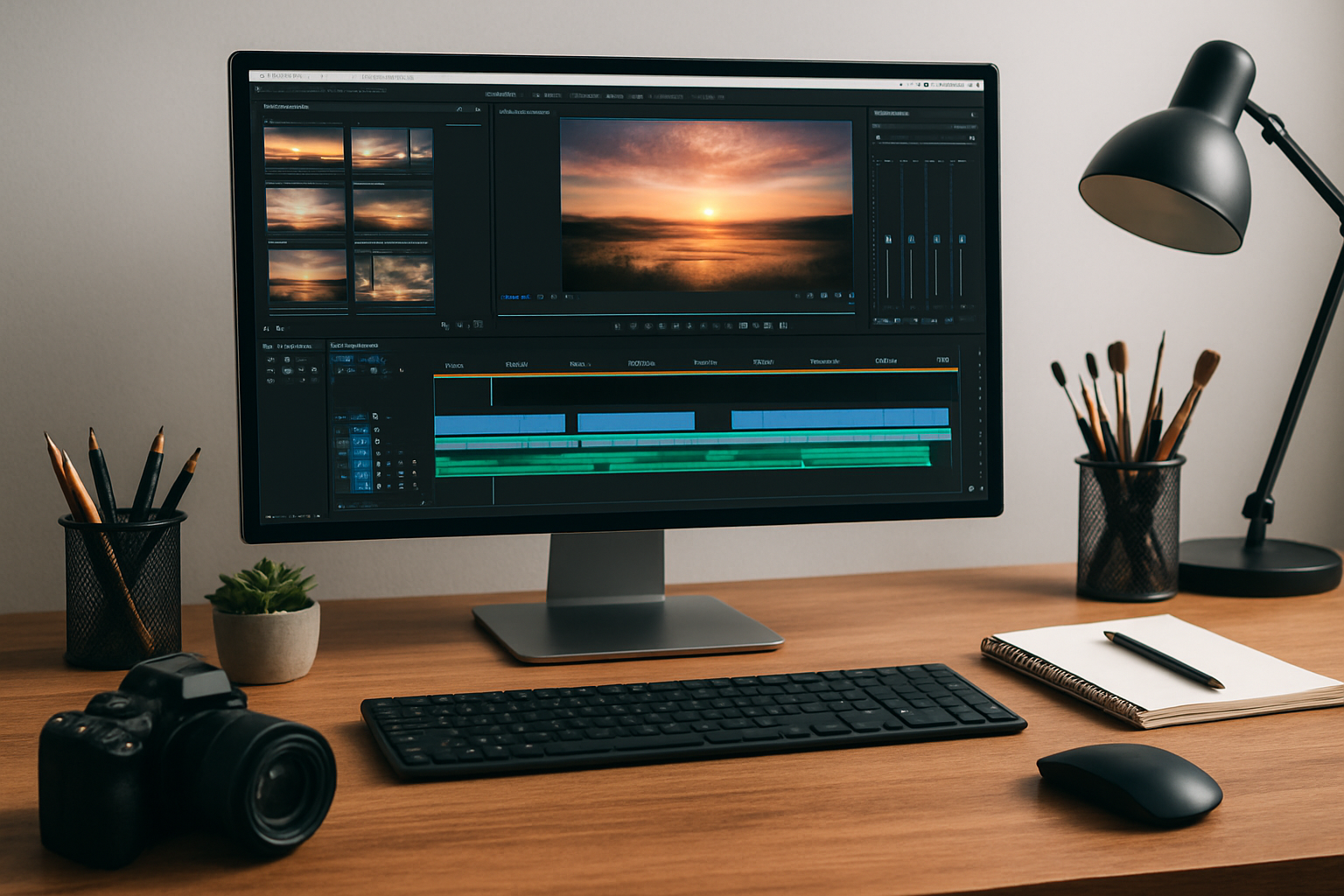

Pinnacle Software, famous for its Studio video editing suite, empowers users to craft professional-level videos effortlessly. With advanced features, clear pricing, flexible editions, and free trials, it stands out as a go-to solution for creators and small businesses aiming to boost productivity and creative output—all with streamlined workflows and commercial support.
What is Pinnacle Software?
Pinnacle Software refers primarily to Pinnacle Studio, a powerful yet approachable video editing suite tailored for creators, small businesses, and multimedia enthusiasts. Originally developed by Pinnacle Systems and now owned by Corel (Alludo), the software has become a staple for those seeking affordable, high-performance editing tools which rival expensive alternatives.
Pinnacle Studio stands out for blending professional-grade effects and transitions with a clear, guided interface that keeps editing accessible to beginners while offering enough muscle for advanced users. Available on Windows in several editions, it adapts well to casual hobbyists, educators, entrepreneurs, and marketing teams.
| Important Information – Pinnacle Software Overview | |
|---|---|
| Product Name | Pinnacle Studio |
| Publisher | Corel (Alludo) |
| Platform | Windows |
| Main Use | Video editing for personal, business, or creative use |
| Editions | Standard, Plus, Ultimate |
| Free Trial | ✔ Available (full-featured demo period) |
| Commercial Support | ✔ Included with paid plans |
| Download & Purchase | Direct from official Pinnacle Studio website |
Key Features of Pinnacle Studio
Pinnacle Studio is celebrated for its breadth of features packed into an intuitive environment. A quick glance at the dashboard gives users instant access to all major tools, letting them work faster and smarter without deep learning curves.
Core Capabilities at a Glance
- Multi-track timeline editing for intricate video layering
- 4K and HD video support for stunning resolution
- Built-in effects and transitions—hundreds of options
- Motion tracking & keyframing
- Color grading and LUT support for stylish looks
- Audio Ducking to balance soundtracks and narration
- Masking & overlays for creative visuals
- Screen recording—great for tutorials, demos and eLearning
- Direct upload to YouTube, Vimeo and more
Many features resemble competitors, but the main difference that stands out is the easy accessibility paired with advanced tweaks—meaning both beginners and pros get exactly what they need.
The Power of Automation and Workflow
Where Pinnacle Studio shines is in streamlining repetitive editing tasks. Automated scene detection, smart rendering, and instant templates cut time from production cycles—ideal for busy professionals preparing regular video releases.
The platform’s workflow automation is further boosted by customizable export profiles and batch processing. You will enjoy smoother, more reliable content creation, freeing up time for creativity and business strategy.
Edition Comparison and Choosing the Right Version
Pinnacle Studio is available in Standard, Plus, and Ultimate editions, each designed for different needs. Picking the right version is essential for maximizing both value and results.
| Edition | Main Features | Target User |
|---|---|---|
| Standard | Drag-and-drop editing, basic effects, HD export | Beginners, home users |
| Plus | Expanded effects, MultiCam editing, audio enhancements | Enthusiasts, educators, small business |
| Ultimate | Everything in Plus, plus 4K support, advanced color grading, masking, more effects | Professional & commercial users |
“Looks very similar to” other tiered tools, but Pinnacle Ultimate delivers the broadest feature set for serious creators. You can upgrade editions at any time—preserving your existing projects and assets.
Pricing & Purchase Options
Pinnacle Studio offers one-time purchase licenses—no ongoing subscription fees. This makes budgeting simpler for businesses and independents alike. Costs vary by edition and promotional offers.
- Free Trial: Download and try without obligation
- Standard Edition: Entry-level pricing
- Plus Edition: Mid-tier
- Ultimate Edition: Full professional power, premium pricing
Pinnacle’s official site is the recommended buying source for the latest deals and support guarantees. You’ll find frequent seasonal discounts, making upgrades more accessible than ever. The clear pricing table and instant-download process stand out among competitors, ensuring a quick and trustworthy purchase experience.
Business Use Cases: Pinnacle in Action
Pinnacle Studio is used in numerous business scenarios—empowering marketing teams, trainers, and SMBs to produce engaging, brand-consistent video content without complex production overhead.
Sample applications include:
- Training videos & onboarding tutorials
- Promotional content and YouTube ads
- Event highlight reels and webinars
- Pitch decks, investor videos, product demos
- Internal communications and presentations
The ability to quickly edit, brand, and export content streamlines entire communication workflows, helping businesses stay dynamic and responsive.
Ease of Use and Interface
The interface provides a clearer view of editing timelines than many rivals. The drag-and-drop system, contextual menus, and real-time previews ensure even first-time users can start editing fast—yet advanced menus remain within easy reach. The customizable layout adapts for widescreen and multi-monitor setups, reflecting feedback from the creative community.
Help overlays, tooltips, and tutorial pop-ups are built into the workflow, making onboarding smooth. The performance engine ensures fast rendering and playback, with minimal lag even on larger projects. For teams and frequent users, the realistic workflow speeds up everything from first draft to final export.
Support & Community Resources
After purchasing or downloading a trial, users gain instant access to Pinnacle Studio’s extensive help resources:
- Dedicated support team with knowledgebase
- Video tutorials and webinars
- Active forum and user community
- Project templates and learning tracks
A clear support center interface means help is always easy to find. Ongoing updates and user-input driven enhancements reinforce Pinnacle Studio’s reputation as an adaptive, responsive platform for video creators at every level.
SEO FAQ: Pinnacle Software
What is Pinnacle Software used for?
Pinnacle Software, typically referring to Pinnacle Studio, is a video editing platform used to create, edit, and publish videos for personal, business, and educational use.
Is there a free version of Pinnacle Studio?
Pinnacle Studio offers a free trial of its full-featured paid versions, but does not have a permanent free edition.
Which Pinnacle Studio edition should I choose?
Choose Standard for basic home use, Plus for business/enthusiast needs, or Ultimate for full professional feature access.
Can Pinnacle Studio export in 4K?
Yes, 4K export is supported in the Ultimate Edition, making it ideal for high-resolution content.
Is commercial support included?
Yes, paid licenses come with professional, direct-to-publisher support and access to updates.