
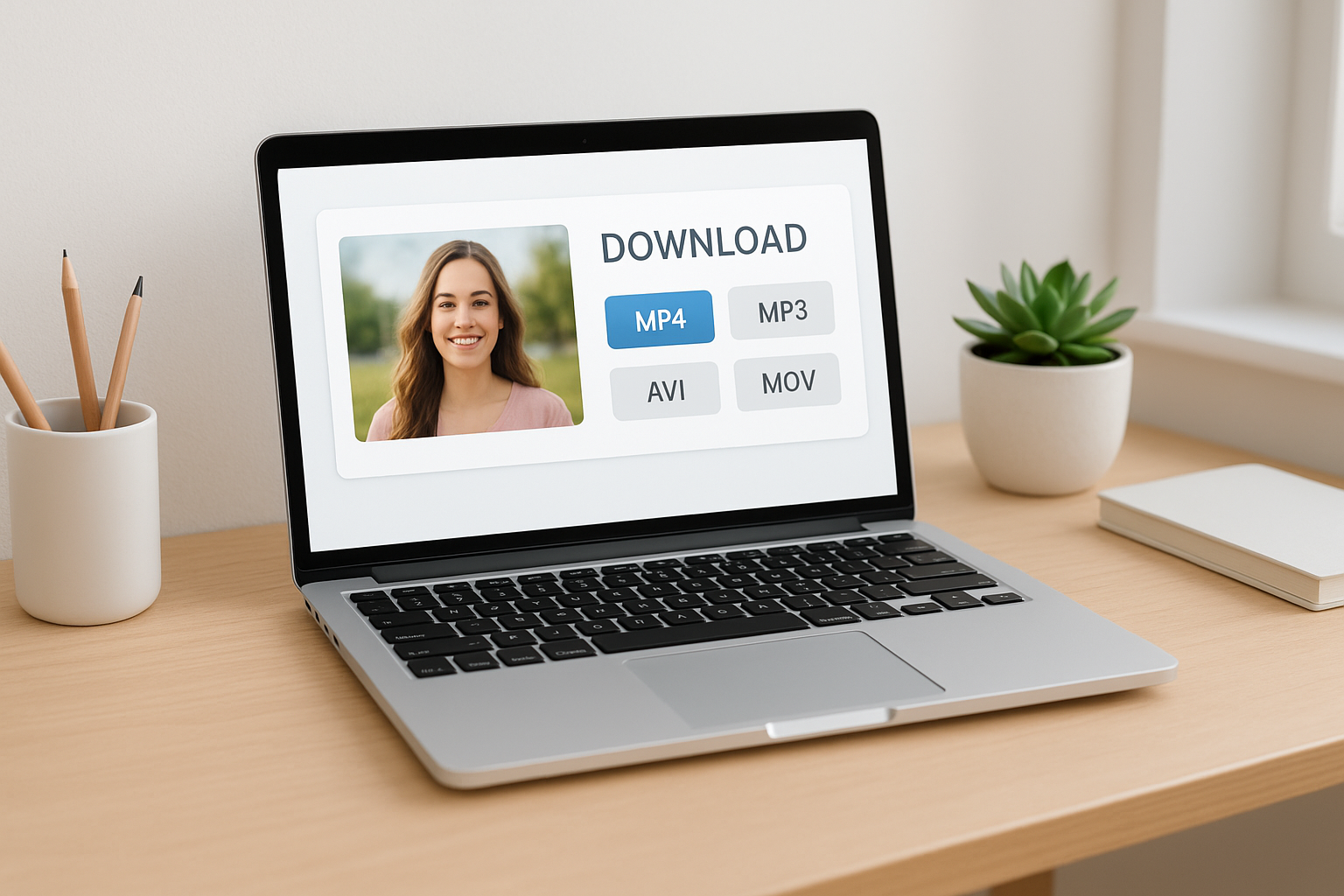

What Is a YouTube Video Downloader Online?
A YouTube video downloader online is a web-based service that lets you paste a YouTube link and instantly download that video—or its audio—without installing any software. These tools operate fully in your browser, making them accessible from any device. Whether you want to save a tutorial, music video, or presentation for offline use, these platforms offer a straightforward solution.
Unlike desktop apps, online YouTube downloaders work across operating systems and don’t require updates, plugins, or account sign-ups. This accessibility means you can get started quickly, often in less than a minute. However, not all online downloaders are equal—performance, safety, and supported formats can vary significantly.
Why Use an Online YouTube Downloader?
With so much content online, there are many reasons to use a YouTube video downloader online. Perhaps you need videos for offline viewing during travel or want to create a video playlist that works without internet access. Students and professionals alike benefit from saving educational material for future reference.
Some users seek to extract audio from music or podcasts. Online tools usually offer rapid downloads and multiple formats, helping you quickly get exactly what you need. However, using these platforms can present risks if you choose unreliable sites, such as unwanted ads or privacy issues.
Important Information Table
| Factor | Why It Matters | What to Look For |
|---|---|---|
| Supported Formats | You may need video (MP4, WebM), audio (MP3), or different resolutions. | Range of quality & file types, including HD and audio-only. |
| Speed | Slow downloads waste time. | Instant link processing and fast servers. |
| No Installation | Browser-only tools are safer and more convenient. | No add-ons, plugins, or register procedures. |
| Ads & Popups | Too many popups can be risky and annoying. | Minimal ads and no fake download buttons. |
| Legal Compliance | Downloading copyrighted content may breach YouTube’s terms. | Tools with clear guidance about fair use. |
Key Features to Look For
Choosing the right YouTube video downloader starts with identifying features that matter most. Here are the essentials that help you avoid disappointment or risk:
- Multiple format support (MP4, MP3, WebM)
- Fast and reliable downloads without waiting queues
- Safe browsing – no malware, excessive ads, or redirections
- No need to install software or browser extensions
- Option to select video quality (1080p, 720p, etc.)
- Simple, honest interface with clear download buttons
- Free to use without hidden fees or strict limits
Some advanced tools may even let you trim audio, download playlists, or subtitle files. While these can be useful, keep your focus on security and user experience above all.
How to Use a YouTube Video Downloader Online
Step 1: Find a Trustworthy Tool
Begin with a reputable platform. A quick glance at user reviews, interface clarity, and the absence of intrusive ads usually reveals reliability. Avoid sites that request personal information.
Step 2: Copy Your YouTube Link
Open YouTube, find the video you want, and copy the URL from your browser address bar. This link is all a downloader needs—no logins or extra steps required.
Step 3: Paste and Choose Format
On the downloader site, paste your link into the provided field. Most tools auto-detect the video and show options for video quality and format.
Step 4: Download
Select your preferred format (such as MP4 for video or MP3 for audio) and click the real download button—not an ad. You may be prompted to save the file or it might start automatically.
Some platforms look very similar but differ in how quickly they process links. The main difference that stands out is the speed and number of steps—favor those that work in just one or two clicks.
Safety and Legal Considerations
Using YouTube video downloaders online is generally safe if you choose reliable services. The risk comes from sites that use misleading ads, try to force downloads, or ask for excessive permissions. Always check user ratings and trust your browser’s security alerts.
On the legal side, downloading content for personal use (such as lectures or creative commons videos) is often allowed, but downloading copyrighted music, movies, or shows without permission is illegal in many regions. YouTube’s terms of service do not permit downloading videos unless a download button is provided directly by YouTube.
Most top-rated downloaders are safe, but avoid those with aggressive popups or requests for personal info. Use up-to-date browsers and antivirus protection for extra safety.
If you need content for more than personal offline use, seek explicit permission from copyright owners. Responsible use helps keep these tools freely accessible for everyone.
Top 7 Free Online YouTube Downloaders
Here are leading options to consider. Each offers a distinct layout and workflow, but all prioritize ease-of-use:
- Y2Mate – Looks very similar to YouTube, ultra-quick, supports many formats.
- SaveFrom.net – Recognizable green button, broad compatibility, offers browser helper but remains fully online.
- SnapDownloader Online – Simple interface, ultra-clear download options, no registration needed.
- Online Video Converter – Provides high-quality downloads, flexible for audio or video, minimal ads.
- KeepVid – Old favorite, clean interface, good for batch downloads.
- ClipConverter.cc – Offers conversion to multiple file types and built-in trimming feature.
- YT5s – Sleek design, quick processing, options up to 1080p and audio extraction.
While many appear identical at first glance, the main difference you’ll notice is processing speed, the number of popups, and user trust. Bookmark a couple, in case one is temporarily unavailable.
SEO FAQ
Is it legal to use YouTube video downloader online?
Downloading videos without content-owner permission is against YouTube’s terms of service. Use these tools for content you own or have explicit rights to.
Are online YouTube downloaders safe to use?
Most top-rated downloaders are safe, but avoid those with aggressive popups or requests for personal info. Use up-to-date browsers and antivirus protection for extra safety.
Can I download YouTube playlists or only single videos?
Some tools support full playlist downloads, but most online options focus on single videos. Check the features list of each platform for playlist capabilities.
What video and audio quality can I expect?
Most downloaders offer multiple quality options, from 144p up to 1080p or higher. For audio, MP3 at different bitrates is commonly available.
Do I need to install anything?
No installation required for online tools. Just visit, paste your link, and download directly from your browser.